Opening up a brand new electronics box filled with raw circuit boards, intricate gears, and colorful microcontrollers feels incredibly exciting yet slightly intimidating. Finding a premium robotics kit for beginners shouldn’t mean drowning in complex blueprints or dense academic text. Which is why we want to walk you through the top tools that keep building simple and deeply rewarding.
Diving into Starter Electronics Matters Right Now
Many people assume building custom automation requires an advanced university degree or decades of professional software engineering background. Embracing a robotics kit for beginners is necessary because it demystifies complex modern electronics. By turning abstract engineering theories into highly interactive, tactile home playground games.
The Best Robotics Starter Kits for Practical Learning
Selecting the ideal equipment package depends entirely on matching your current physical building comfort with software interfaces that feel intuitive to operate.
Mastering Visual Block Environments with Makeblock mBot2
This sturdy aluminum automated system remains an incredibly popular option for K-12 students who want an immediate introduction to logical programming structures. Costing approximately $230, the advanced mBot2 features a powerful CyberPi board backed by built-in Wi-Fi communication and integrated gyroscope sensors.
Newer builders can easily assemble the mechanical chassis within 30 minutes, immediately launching into drag-and-drop Scratch block environments before naturally progressing into text-based Python code.
The entry-level classic Makeblock mBot option remains available for around $70, presenting a highly affordable pathway for budget-conscious families. This standard package utilizes an open-source ATmega328 processor framework that runs flawlessly across modern school Chromebook laptops and Windows systems.
We love how the modular components plug securely into clearly marked ports, protecting delicate internal circuits from accidental wiring mistakes during initial configurations.
Elevating Skills with the Experiential Robotics Platform XRP Kit
When using a 3D printer, ambitious teenagers and passionate older makers who want a direct stepping stone into competitive school team events will find this educational platform exceptional. Retailing for approximately $120, the advanced SparkFun XRP Kit relies on the cutting-edge Raspberry Pi RP2350 dual-core microcontroller processing board.

The toolset features specific ultrasonic distance modules, integrated line-following sensors, and custom tool-free chassis assembly pieces that eliminate the need for delicate soldering work.
This comprehensive learning ecosystem fully supports advanced Blockly routines, versatile Python text scripts, and the standard professional WPILib environments used in elite high school competitions.
The expandable physical layout encourages students to develop real-world software engineering capabilities by designing sophisticated navigation algorithms. It stands out as an incredibly robust bridge for anyone eager to master authentic machine feedback control systems.
Exploring Component-Level Engineering via PicoBricks Base Kit
Makers who prefer studying discrete microelectronic designs rather than building pre-assembled vehicles will thrive using an innovative snap-off modular board framework. The highly adaptable PicoBricks Base Kit costs around $76 and introduces users to foundational Internet of Things concepts and advanced ambient monitoring.
Every individual electronic module remains attached to a central structural panel, allowing beginners to test complex system interactions without dealing with messy breadboards.
Once your custom prototyping script works correctly, you can physically snap the modular peripheral pieces apart and wire them together for standalone installations. This design provides clean exposure to fundamental analog circuits, digital relays, and standard automated machine signaling processes. It functions beautifully as a highly flexible laboratory workspace tailored for practical, self-paced skill development.
Detailed Walkthrough for Assembling Your First Autonomous System
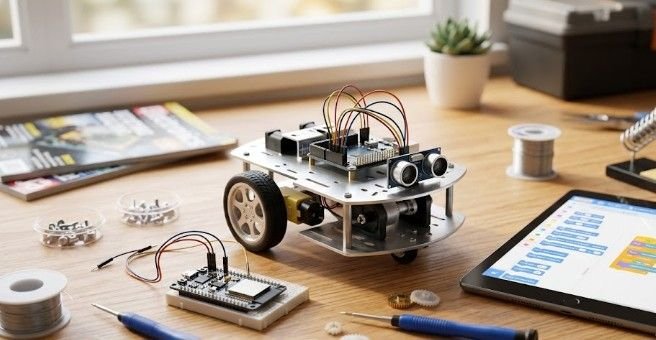
Putting together an interactive microcontroller car framework is simple. When you establish a structured assembly routine and manage physical components carefully.
You carefully unpack the shipping container. Then lay out the core structural frame pieces across a clean, well-lit desk surface to verify every piece.
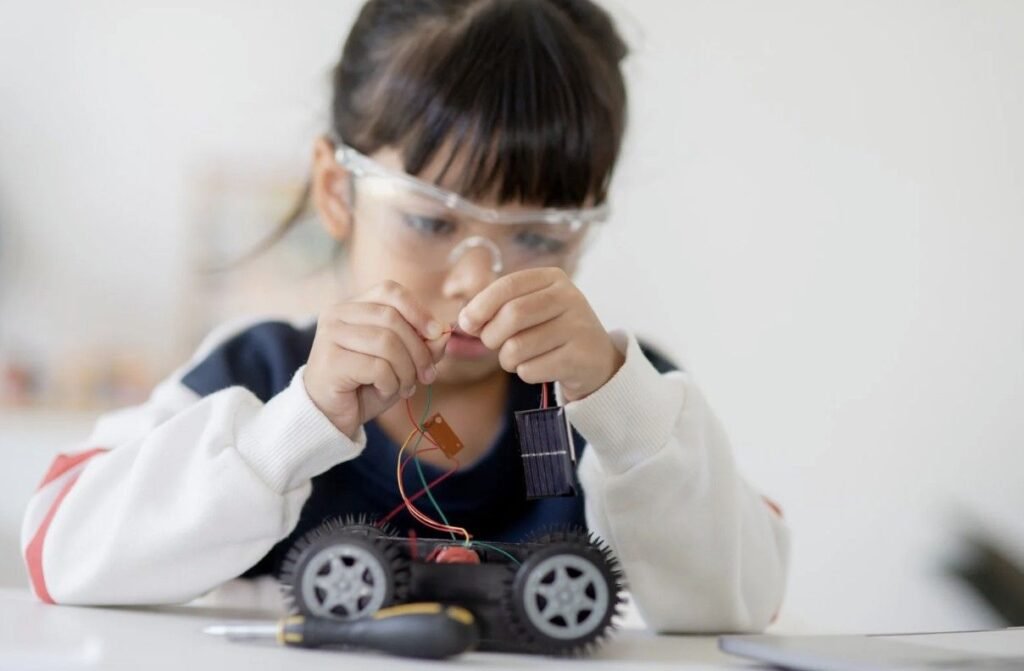
Next, you attach the compact DC gear motors to the primary chassis plate using the included hand screwdriver tools, making sure not to strip the soft plastic thread mountings.
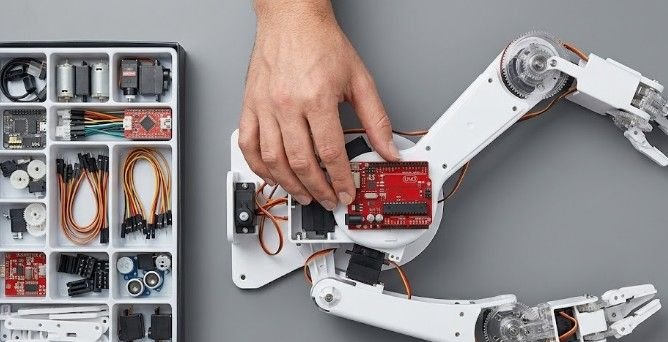
You proceed to mount the main microcontroller board and gently push the color-coded sensory component wires into their designated matching input jacks.
Finally, you install fresh AA batteries, load the basic pre-written calibration script via a USB cable, and watch your new machine navigate autonomously across the living room floor.
Advanced Strategies and Custom Building Pathways
Moving beyond pre-packaged instructional sets unlocks complete creative freedom for builders who want to create entirely unique automation systems from scratch.
Engineering Custom Chassis Parts Using Desktop 3D Printing
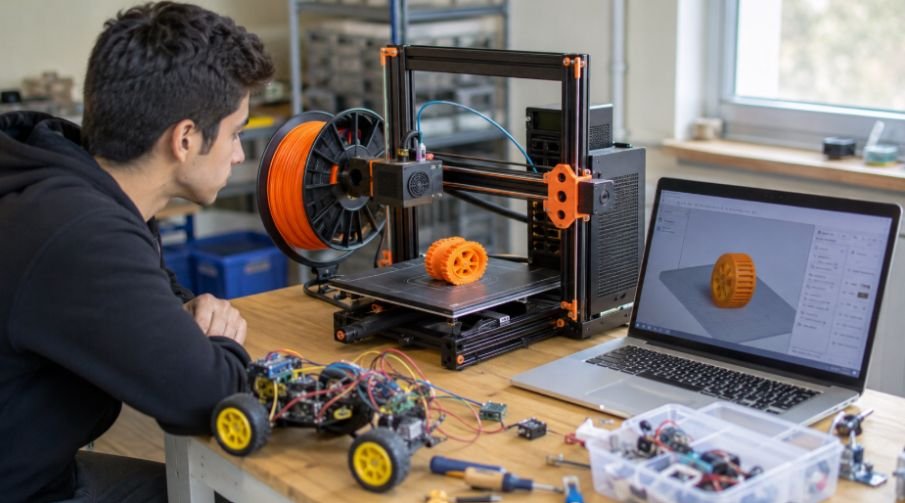
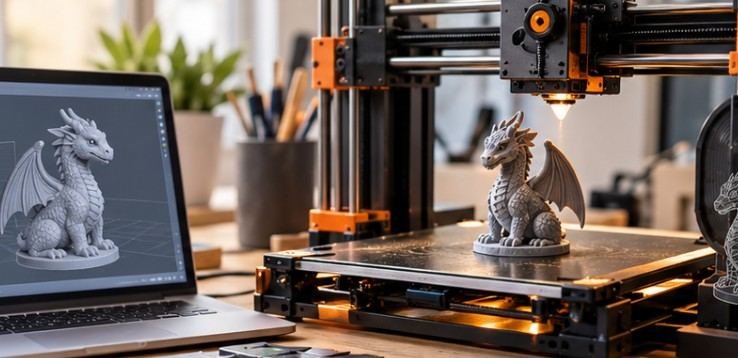
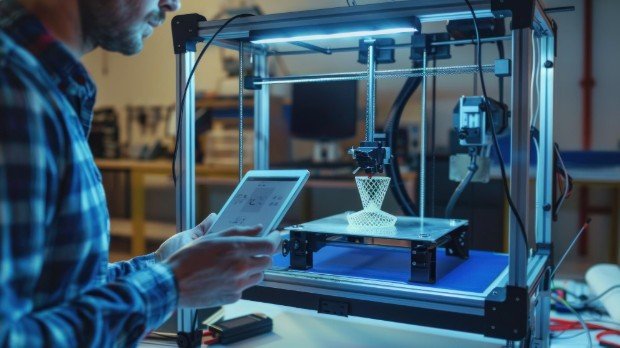
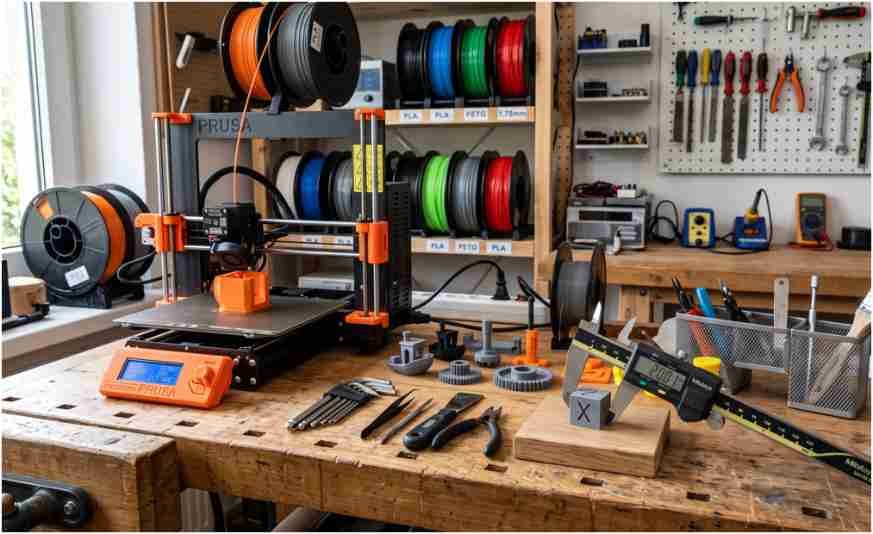
Hobbyists who possess standard mechanical familiarity can easily bypass retail boxing limitations by downloading open-source design files directly from popular repositories like MakerWorld. You can print out personalized geometric frames, custom wheel rims, and specific sensor mounts using durable consumer plastic filaments.
This tactile fabrication method lets you buy standard DC motors, basic battery holders, and inexpensive ESP32 chips separately to minimize manufacturing costs.

Transitioning into Professional Grade Industrial Operating Code Ecosystems
Once you master basic motor movements. The community consensus strongly recommends migrating toward the complex Robot Operating System framework, commonly known as ROS2. Aspiring engineers frequently test these advanced mapping routines on standardized open platforms. Like the TurtleBot to learn true industrial machine practices.
Developing familiarity with these open architecture systems ensures your hobbyist tracking experiments directly translate into valuable modern career capabilities.
Frequently Asked Questions
1. What is the best robotics kit for beginners?
The Makeblock mBot2 stands out as the premium option. This adaptable setup incorporates a resilient aluminum body. Features extensive expansion ports. And supports a direct growth pathway from visual block coding up into real-world Python scripts.
2. How to start robotics as a beginner?
Choose an all-inclusive package that combines physical structural pieces with intuitive graphical application guides. Focus on building basic mechanical motorized driving bases before attempting to program complex automated ultrasonic sensor paths.
3. What is the simplest DIY robot I can build?
A standard dual-wheel autonomous car chassis driven by an open-source microchip board represents the easiest entry path. These basic vehicles require only minimal tool assembly and allow you to test simple navigation commands quickly.
4. How much does a robotics kit cost?
Basic mechanical building packages range between $20 and $40, while programmable educational sets generally cost from $70 to $230. Pricing variance depends heavily on the included processing chips, wireless antennas, and integrated sensory components.
Time to Bring Your Machine to Life
Unboxing a premium robotics kit for beginners opens up an amazing world of creative engineering. With logical problem-solving, and pure hands-on fun. Prioritizing correct operating system integration, robust hardware scaling paths, and flexible software environments. It will protect your investment and keep your building journey exciting.
Pick out the perfect developmental system for your workshop. Clear off a flat workspace desk and enjoy watching your custom machine zip across the room.