A child can turn a row of plastic tiles into a route, a pile of parts into a moving machine, or a few lines of code into a blinking circuit. That transformation is what makes the best coding and robotics kits for kids so valuable. They do more than entertain. They help children see that ideas can become instructions, instructions can control hardware, and mistakes can lead to better designs.
When I compare coding and robotics tools for families in the United States, I look beyond bright packaging and popular brand names. I focus on the learning system underneath: how the child gives commands, how the device responds, what skills the activity develops, and whether the experience can grow from simple sequencing into block coding, sensors, electronics, and real programming.
Which Coding System Is Best for Children Ages 3 to 6?
Screen-Free Tangible Coding Builds Early Logic Skills
Screen-free coding systems use physical blocks, tiles, cards, buttons, or tokens to represent commands such as move forward, turn left, pause, or repeat. A child places these commands in a sequence and sends them to a wheeled toy or control unit.
Some systems transfer instructions through Bluetooth or infrared signals, while simpler tools store commands directly through physical buttons. The child sees the robot follow the sequence immediately, which makes cause and effect easy to understand.
I like this category for preschoolers and early elementary learners because it introduces algorithmic thinking without requiring reading, typing, or extended screen time. Children begin to understand that instructions must appear in the correct order, creating an early foundation for more advanced learning paths, including the best coding bootcamps they may explore later.
Parents should look for large, durable parts, simple controls, low reading requirements, and clear visual feedback. Small pieces may not be appropriate for younger children, so US age and safety recommendations should always be checked before purchase.
What Is the Best Robotics Learning System for Ages 6 to 9?
Visual Block Coding Connects Programming With Building
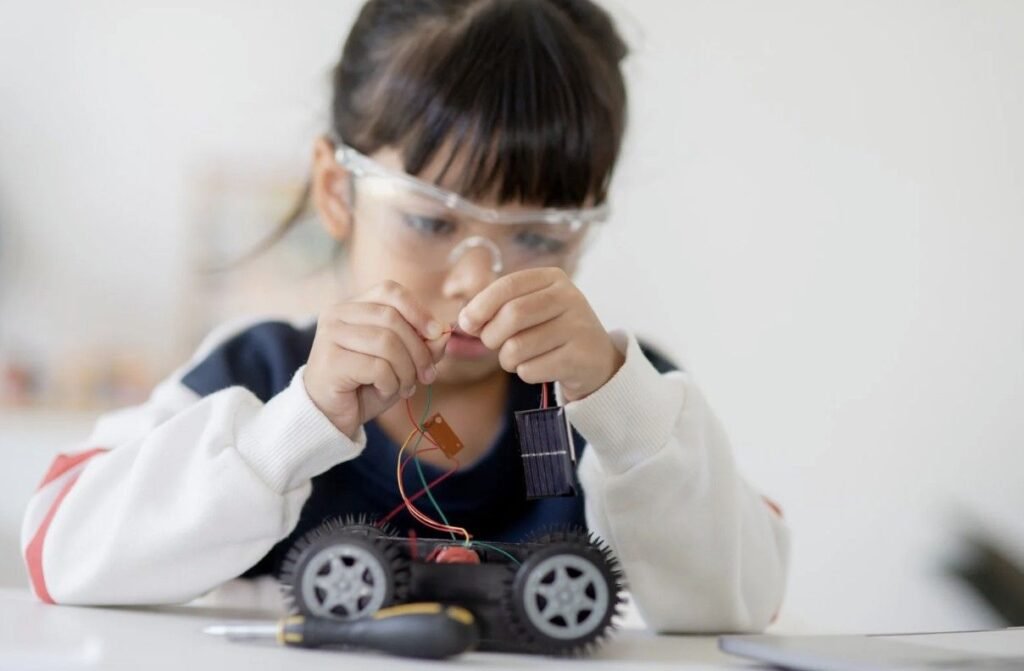
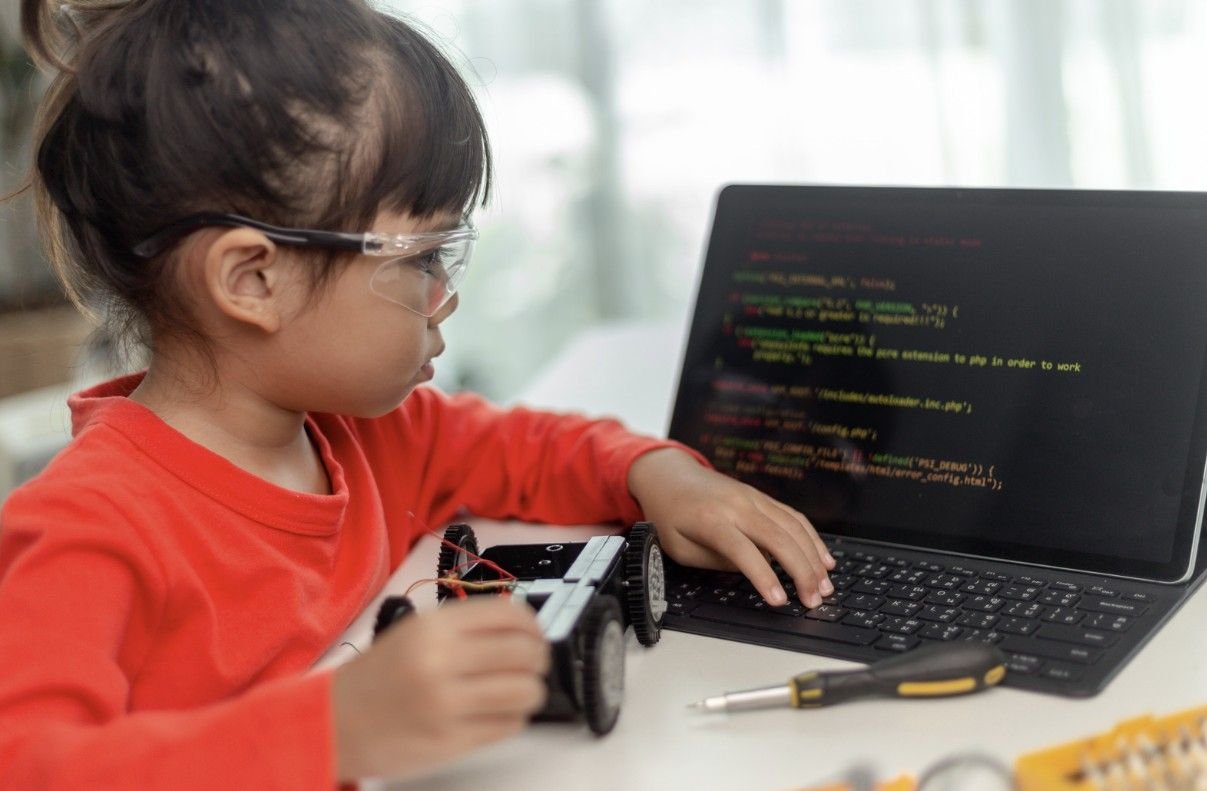
Visual block-based systems combine modular construction pieces with electronic motors, lights, buttons, and sensors. Children build a machine, vehicle, animal, or simple robot and then control it through graphical code.
The coding interface usually displays commands as colorful puzzle-shaped blocks. Children drag and connect these blocks to create programs without worrying about spelling or syntax errors.
This approach introduces important concepts such as sequences, loops, events, conditions, and variables. Code.org’s elementary computer science curriculum also progresses through sequencing, loops, events, algorithms, and conditionals, showing why these concepts form a strong foundation for young programmers.
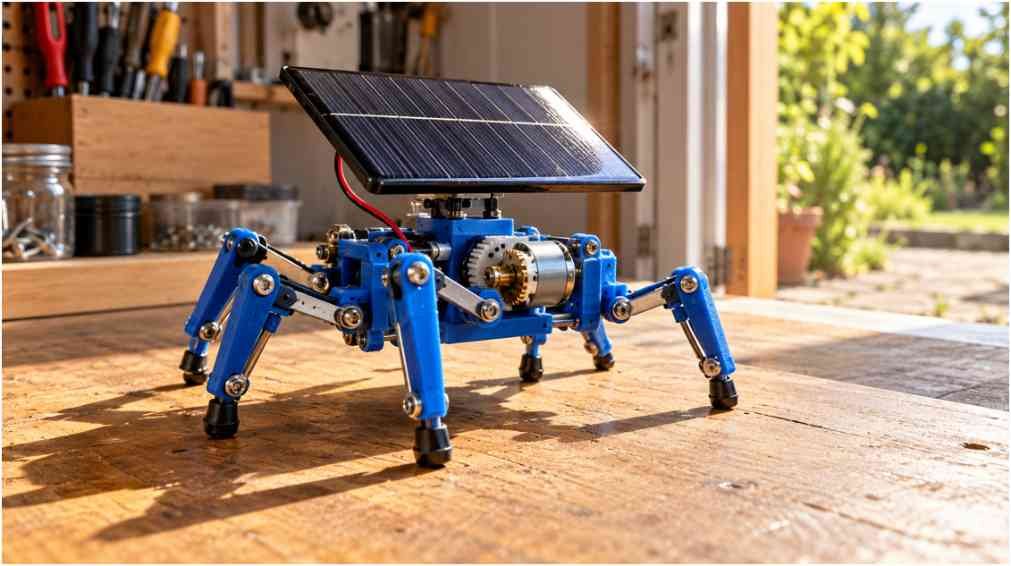
Visual coding also teaches mechanical transmission. A child can see how gears, wheels, axles, or motors respond when the program changes. That connection between software and physical movement often makes abstract coding concepts easier to understand.
Scratch uses a drag-and-snap block interface that allows children to create animations, games, and interactive projects without starting with complicated programming syntax.
Are Sensor-Based Coding Robots Good for Children Ages 8 and Up?
Smart Sensors Introduce Data and Environmental Reactions
Sensor-based robots are often preassembled rolling, walking, or programmable devices protected by durable shells. They may include accelerometers, gyroscopes, compasses, light sensors, distance sensors, microphones, or LED arrays.
Children program the device to respond to environmental information. A robot might turn when it approaches a wall, display a light pattern when a room becomes dark, change direction after detecting motion, or record changes in temperature.
These projects introduce data collection and real-world physics. More advanced children can begin exploring angles, rotation, speed, direction, coordinate systems, and basic trigonometry.
The micro platform, for example, includes an LED display, buttons, built-in sensors, a speaker, and physical connection pins. Its educational resources also include projects that use sensors and data handling.
Before choosing a sensor-based robot, I check whether the software works with the family’s existing Chromebook, Windows computer, Mac, tablet, or smartphone. I also look for reliable software updates and enough project variety to prevent the robot from becoming a short-lived toy.
When Should Children Begin Text-Based Coding?
Microcontrollers Prepare Students for Real Programming
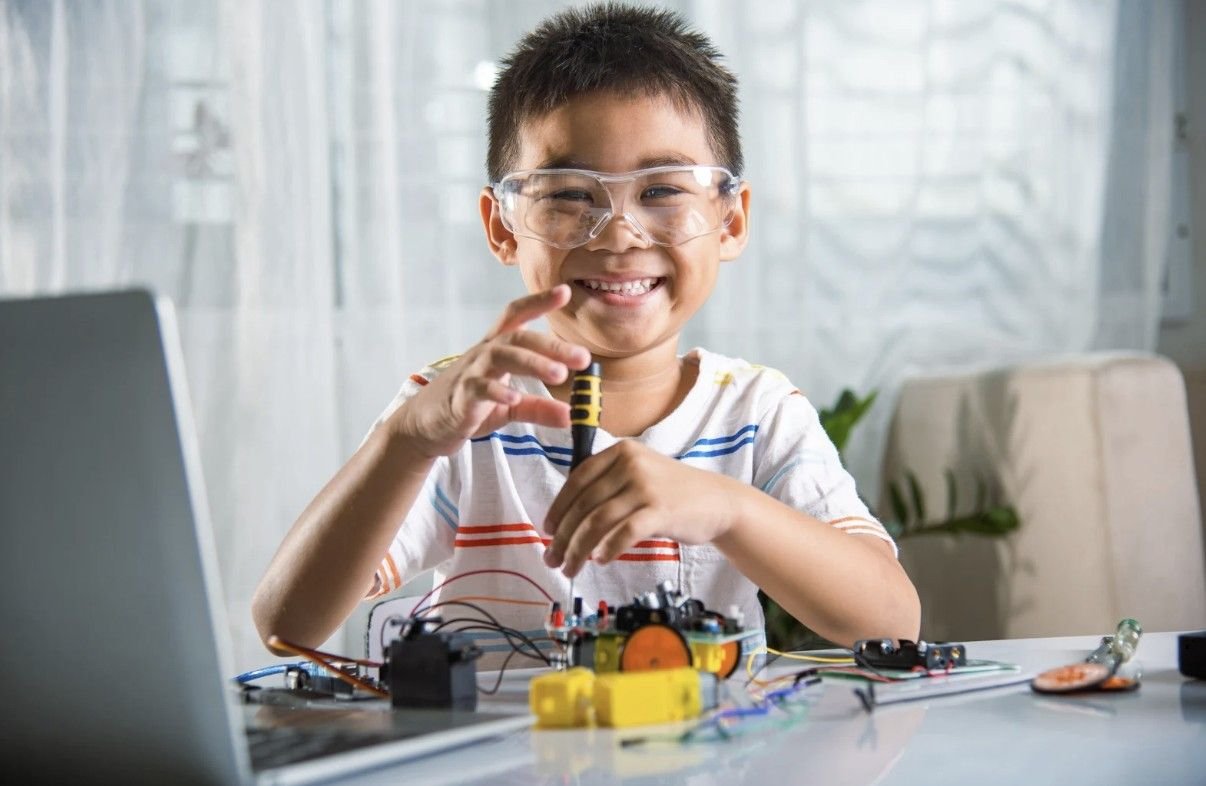
Text-based microcontrollers usually suit motivated learners around age 10 and older, although readiness matters more than an exact birthday. These pocket-sized circuit boards may include processors, LED grids, microphones, buttons, wireless communication, and pins for external wiring.
Students can begin with visual blocks and later move into Python, JavaScript, or Arduino-style programming. Micro’s Python resources are specifically designed to help learners transition from block coding into text-based programming.
This transition introduces syntax, debugging, variables, functions, input and output, and more precise control over hardware. Children also learn how to connect sensors, motors, lights, buzzers, and other electronic components.
Microcontroller projects can introduce circuitry, automation, smart home concepts, environmental monitoring, and Internet of Things logic. Arduino’s educational materials similarly combine programming with electronics, voltage, resistance, motors, and physical computing.
Because exposed boards and wiring require more careful handling, parents should supervise younger students and make sure the kit includes clear instructions, safe power requirements, and beginner-friendly projects.
How Do I Choose Between Screen-Free, Block-Based, Sensor-Based, and Text Coding?
I start with the child’s current ability rather than selecting the most advanced option available. A complex system may offer more features, but it provides little value if the child becomes frustrated during setup.
Screen-free tangible coding works well for young children who need immediate physical feedback. Visual block coding suits children who enjoy building and are ready to learn loops and conditions. Sensor-based robots appeal to learners who enjoy movement, experiments, and environmental reactions. Text-based microcontrollers fit older children who want to explore electronics and real programming languages.
I also consider setup time, internet requirements, device compatibility, battery needs, replacement parts, technical support, and long-term expandability. Families should include required accessories in the total cost rather than comparing the kit price alone.
How Do Robotics Kits Develop STEM and Problem-Solving Skills?
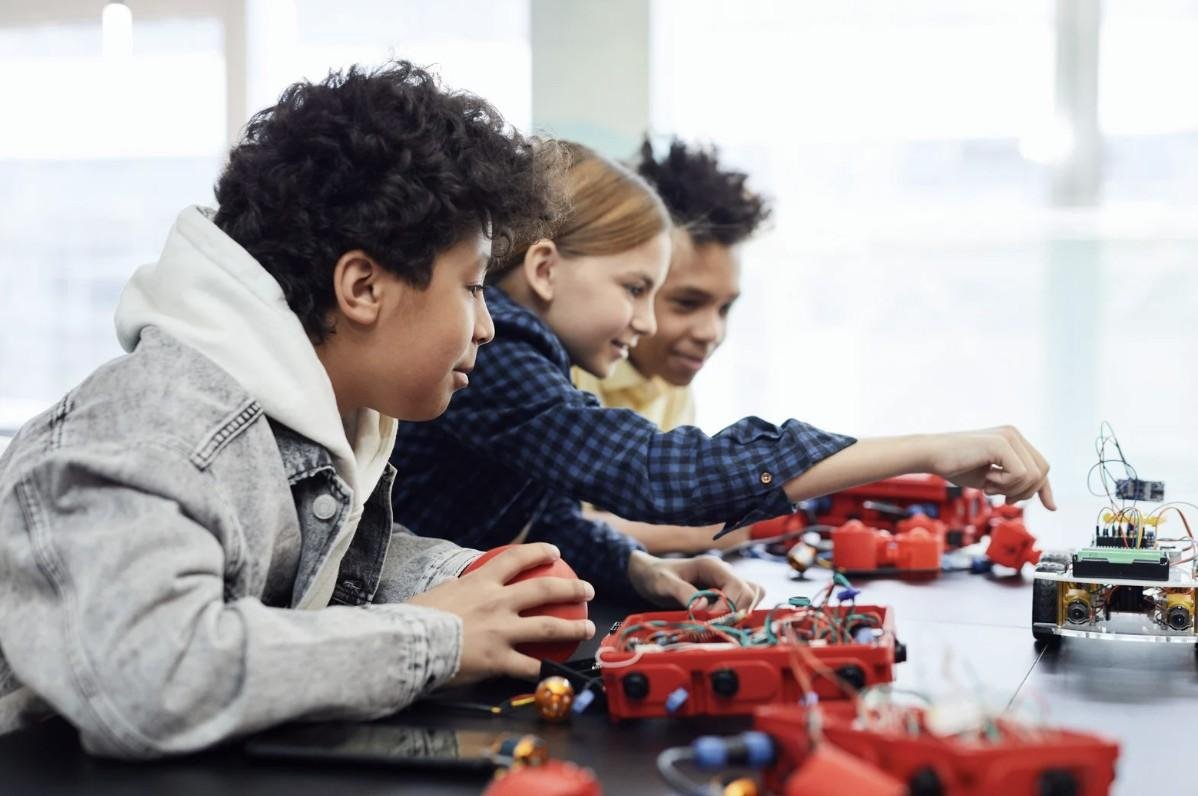
Robotics combines science, technology, engineering, and math within one project. A child may calculate distance, improve a mechanical structure, program a motor, test a light sensor, and troubleshoot an electrical connection.
The most valuable learning often happens when the project fails. A robot that moves in the wrong direction encourages the child to inspect the sequence, code, wiring, motor orientation, and mechanical design.
I recommend asking guiding questions instead of immediately fixing the problem. Questions such as “Which instruction changed?” or “What can you test first?” help children build independence and systematic debugging habits.
How Can Parents Keep Kids Interested in Coding and Robotics?
Children usually stay engaged when they achieve a visible result quickly. A first project might make a robot move, flash an LED, play a sound, follow a path, or react to light.
After that success, I encourage small modifications. The child might increase the speed, add a sensor, redesign the structure, or rewrite part of the program. These changes help transform a guided lesson into an original invention.
It also helps to connect projects to existing interests. A child who likes art might build a drawing machine. A sports fan might create an electronic scorekeeper. A child interested in animals might design a moving creature.
Frequently Asked Questions (FAQs)
1. What age should children start learning coding and robotics?
Children can begin with physical sequencing activities around ages three to six and progress into block coding, sensors, and text-based programming as their skills develop.
2. Is block coding real programming?
Yes. Block coding teaches genuine programming concepts such as sequences, loops, events, variables, functions, and conditional statements.
3. Do robotics tools require a computer or tablet?
Some screen-free systems do not require a device, while visual coding robots and microcontrollers may require a Chromebook, computer, tablet, or smartphone.
4. Are microcontrollers too difficult for beginners?
Not necessarily. Older beginners can start with guided lessons and visual coding before transitioning to Python, JavaScript, or Arduino programming.
Final Thoughts
When I compare the best coding and robotics kits for kids, I focus on the learning progression rather than the packaging. A strong system should provide clear beginner instructions while leaving room for experimentation, creativity, and more advanced challenges.
The ideal learning path often begins with physical sequencing, progresses into visual block coding, introduces sensors and environmental data, and eventually moves toward Python, JavaScript, electronics, or microcontrollers.
Parents do not need to buy the most expensive system. The best coding and robotics kits for kids are the ones children will continue using as they build confidence, solve problems, and create increasingly independent projects.