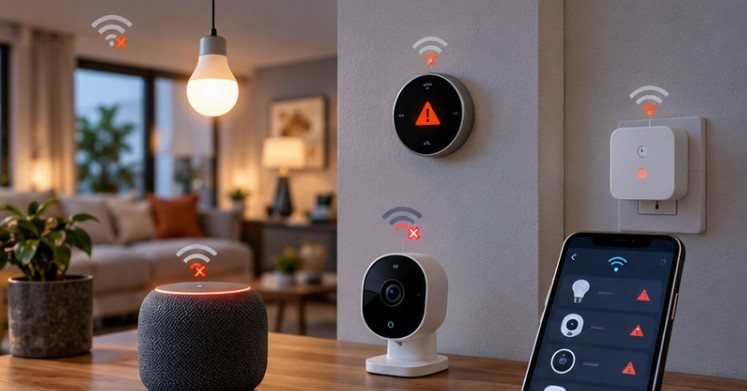
A smart lock may keep working during a blackout while the expensive camera six feet away becomes useless almost instantly. The difference usually comes down to three things: where the device gets its electricity, whether it needs a working home network, and whether its essential functions happen locally or in the cloud.
That is the key to understanding what happens to smart home devices during a power outage. A blackout rarely affects every connected device in the same way. Some shut off, some fall back to basic offline operation, and others keep running on batteries but lose remote access.
For homeowners, that distinction matters most during storms, wildfires, hurricanes, winter freezes, and other emergencies when security, heating, lighting, and communication suddenly become more important.
A Power Outage Can Break Three Parts of a Smart Home at Once
People often think of a blackout as simply “no electricity.” A connected home has more dependencies.
First, AC-powered devices lose electricity. Second, the modem, router, mesh nodes, and smart-home hubs may shut down. Third, internet service may disappear even when backup power keeps the router alive.
NIST research into IoT network behavior notes that removing internet access can limit an IoT device’s ability to reach resources it depends on. That explains why a device can appear powered and healthy yet still disappear from its mobile app.
NIST has also illustrated how connected lighting can rely on a combination of bulbs, gateways, routers, smartphones, and cloud services rather than a single device. Some configurations stored remotely may help restore normal behavior after electricity returns. For background on IoT behavior and reliability, see NIST’s smart-home and IoT research.
What Different Smart Devices Actually Do During an Outage
Smart Speakers, Displays and Home Hubs
Most plug-in speakers, displays and traditional smart hubs switch off immediately unless they are connected to a UPS or another backup source.
That matters beyond losing music or voice commands. A hub may coordinate sensors, switches, locks, routines, and Zigbee or Z-Wave devices. If the central controller goes down, battery-powered accessories may remain electrically alive but lose automation capabilities.
Cloud-dependent voice assistants also need internet service for many commands, so keeping only the speaker powered does not guarantee normal operation.
Smart Bulbs, Wall Switches and Plugs
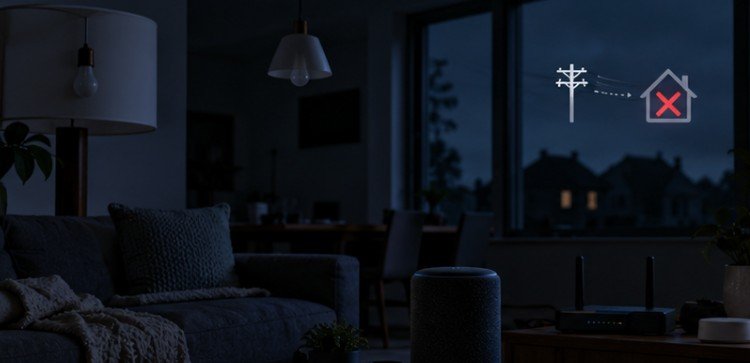
Smart bulbs and plug-in smart outlets normally go dark as soon as household power disappears. No amount of Wi-Fi backup can illuminate a bulb that has no electricity.
Hardwired smart switches are slightly different. They may still provide ordinary physical control after network connectivity returns, but during a total electrical outage there is still no power available for the lighting circuit.
One issue appears after restoration: some smart bulbs are designed to turn on after power interruption. Check the manufacturer’s “power-loss recovery” or “power-on behavior” setting if you do not want every connected light switching on after an overnight outage.
Smart Locks Usually Have an Advantage
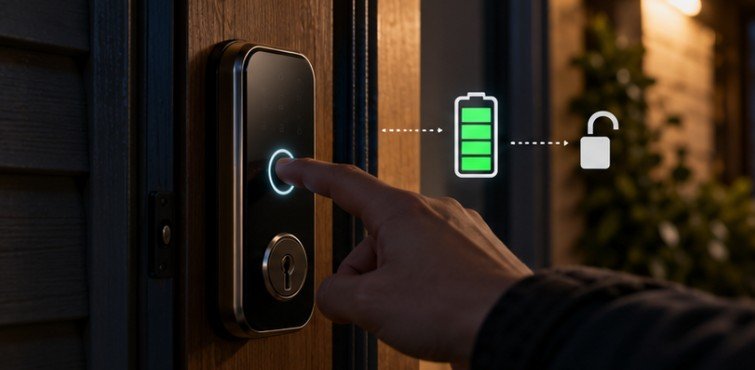
Battery-powered smart locks are among the better-prepared smart-home devices because their fundamental job does not necessarily depend on household electricity.
The motor, keypad, fingerprint sensor, or local Bluetooth connection may continue functioning. What commonly disappears is remote control because the home’s router, lock bridge, or internet connection is offline.
A mechanical key, emergency battery terminal, or other manufacturer-provided backup remains important. Never assume an app is your only way back inside.
Security Cameras and Video Doorbells
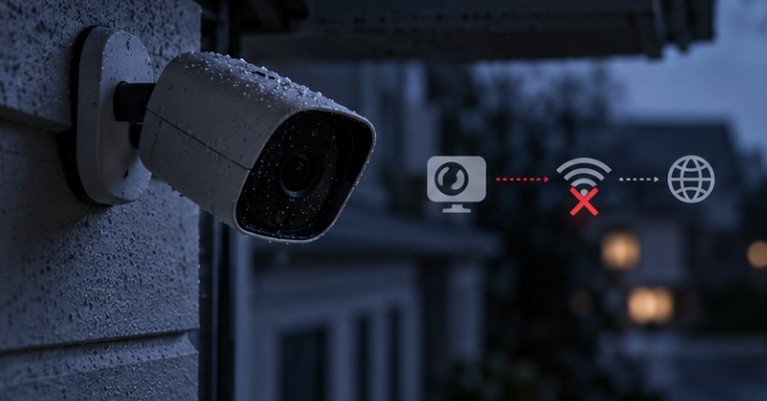
Security cameras expose one of the biggest weaknesses in a connected home. A wired camera can lose power. A battery camera may remain powered but lose Wi-Fi. Even with Wi-Fi, a cloud-based recording service may become unreachable if your ISP connection is down.
Cameras with local microSD storage, an NVR, onboard memory, cellular backup, or battery power can provide better outage resilience. The FTC emphasizes that connected cameras depend heavily on the security and reliability of the home network, making the router a critical part of the system. Homeowners can review securing internet-connected home devices.
Smart Thermostats and HVAC Systems
Thermostat behavior is more complicated than simply checking whether the thermostat screen is lit. Some thermostats have batteries or retain settings through short interruptions. But your furnace blower, heat pump, central air conditioner, boiler controls, or other HVAC equipment still needs electricity.
A powered thermostat cannot cool a house when the air-conditioning equipment has no power. This distinction becomes particularly important during extreme temperatures. The American Red Cross advises households to plan in advance for heating and cooling during outages and to identify alternatives when indoor conditions become unsafe. See the American Red Cross power outage safety guidance.
Your Router May Be the Most Important Smart-Home Device
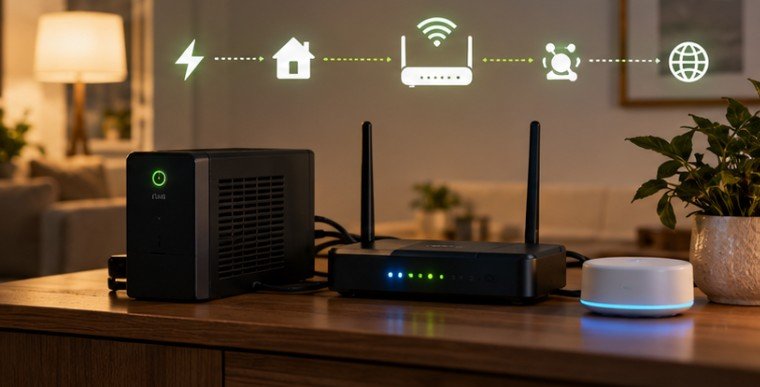
If I had to choose one inexpensive piece of smart-home equipment to protect with backup power, the router and modem would be near the top of the list.
Many low-power networking devices can run for some time from an appropriately sized UPS. Keeping the router, modem, and essential hub powered may preserve local Wi-Fi and potentially internet access if the ISP’s infrastructure remains operational.
It does not guarantee connectivity. Neighborhood cable equipment, fiber terminals, ISP facilities, or other upstream infrastructure can also be affected.
Still, backing up the network prevents your own router from becoming the first failure point.
UPS, Generator or Home Battery?
A small UPS is usually best for low-wattage electronics such as modems, routers, network switches and hubs. CISA describes UPS equipment as a way to provide clean emergency power when normal electricity is lost.
Whole-home batteries and properly configured solar-plus-storage systems can support much larger loads. The Department of Energy notes that ordinary grid-tied solar panels generally shut down during grid outages for safety; solar alone does not automatically provide backup electricity. Appropriate storage, controls, and inverter equipment are required for outage operation.
Portable or standby generators can provide longer-duration backup, but they introduce carbon-monoxide, fire, fuel, and electrical hazards. Never backfeed a home by plugging a generator into a wall outlet.
Utah State University Extension likewise recommends operating portable generators outdoors and using them only with appropriate connections and loads.
What Happens When Electricity Comes Back?
Most modern devices are designed to reconnect automatically, but restoration is not always graceful. The modem may take several minutes to reconnect to the ISP. The router then establishes the local network. Hubs reconnect next, followed by individual devices and cloud services. That sequence can create temporary error messages even when nothing is permanently wrong.
Give the network several minutes before resetting equipment. If one device remains unavailable, power-cycle that device rather than factory-resetting it immediately. A factory reset may erase pairings, settings, schedules, or credentials unnecessarily.
There is also a surge risk when electrical service returns. The Red Cross recommends unplugging electronics during outages where practical because power spikes during restoration can damage equipment.
Frequently Asked Questions
1. Do smart devices reset after a power outage?
Usually not. Most retain configurations and reconnect automatically. Some devices may temporarily remain offline or lose schedules, particularly older equipment or products that store important settings only in volatile memory.
2. Will smart locks work when the electricity goes out?
Battery-powered locks generally continue performing local locking and unlocking functions. Remote app control may stop if the Wi-Fi router, bridge, hub, or internet connection loses power.
3. Does Wi-Fi work during a blackout?
Not unless the modem, router and required network equipment have backup power. Even then, internet access depends on whether the ISP’s local infrastructure remains operational.
4. Can solar panels keep a smart home running during an outage?
Not automatically. Many grid-tied solar systems shut down during outages. Outage operation generally requires properly configured inverters, controls and battery storage or another approved backup arrangement.
The Smartest Home Is One That Can Fail Gracefully
Understanding what happens to smart home devices during a power outage is less about keeping every gadget online and more about deciding which functions truly matter.
A resilient setup keeps door access dependable, preserves essential security where possible, protects the home network, and provides manual alternatives when automation disappears. Test those dependencies before storm season, add backup power where it solves a meaningful problem, and learn how each critical device behaves offline.
A blackout should temporarily make your house less connected. It should not make it inaccessible, insecure, or impossible to operate.