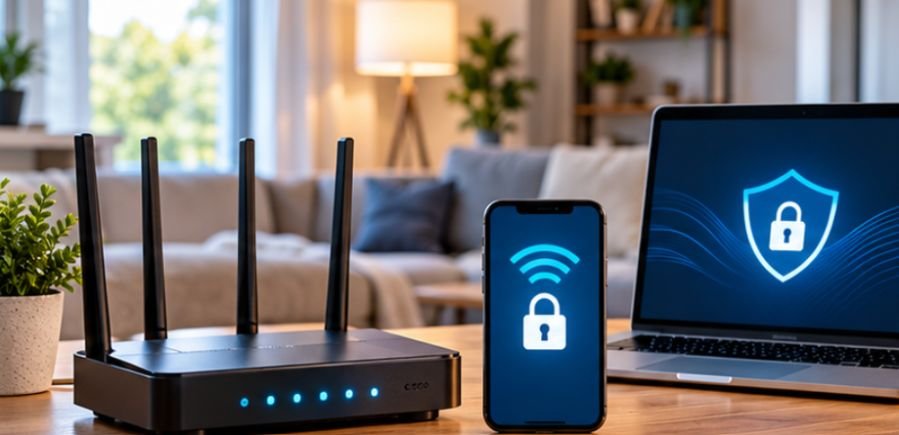
A $20 smart plug can share a network with a laptop containing tax documents, banking information, and saved passwords. That mismatch is one of the biggest problems in home cybersecurity: the least important device can become one of the easiest places to attack.
Learning how to secure smart home devices from hackers therefore is not just about protecting a camera or thermostat. It is about stopping an insecure connected gadget from becoming a doorway into a more valuable part of your home network.
The good news is that most households do not need enterprise-grade security equipment. Strong router settings, separate networks, unique credentials, timely updates, and a little routine maintenance can eliminate many avoidable risks.
Why Smart Home Security Deserves More Attention
Smart homes now contain everything from doorbells and televisions to locks, speakers, thermostats, appliances, light bulbs, baby monitors, and garage-door controllers. Each one runs software, communicates across a network, and may connect to a manufacturer’s cloud service. That creates more possible entry points.
A 2025 NIST study surveyed 401 U.S. smart-home users across lighting, security devices, sensors, thermostats, and voice assistants. Researchers found that users’ confidence and security perceptions varied significantly by device type, with voice assistants viewed as particularly problematic.
The practical lesson is simple: do not assume that because a device performs a basic household task, its security risk is basic too.
Start With the Router, Not the Smart Bulb
Your router sits between most connected household devices and the internet. If its configuration is weak, securing every individual gadget becomes much harder.
The FTC recommends securing home Wi-Fi networks using WPA3 Personal encryption where available, or WPA2 Personal on compatible equipment. Older standards such as WEP should no longer be relied upon.
Change Both Router Passwords
Routers typically involve two separate credentials. The Wi-Fi password determines who can join the wireless network. The administrator password controls the router itself.
Change both from their factory defaults. The administrator password is especially important because someone who gains access to the router configuration may be able to alter DNS settings, disable security features, create new network rules, or change your Wi-Fi credentials.
Use long, unique passwords rather than variations of passwords already used for email, shopping, or financial accounts.
Use WPA3 Whenever Your Equipment Supports It
WPA3 is the preferable current option for most modern consumer Wi-Fi equipment. WPA2 remains acceptable when older smart devices cannot connect using WPA3.
If your router supports neither WPA2 nor WPA3 even after firmware updates, replacement deserves serious consideration.
Security problems are difficult to solve when the device controlling the entire network has reached technological end-of-life.
Put Smart Devices on Their Own Network
One of the most valuable defenses is also one of the least visible: network segmentation.
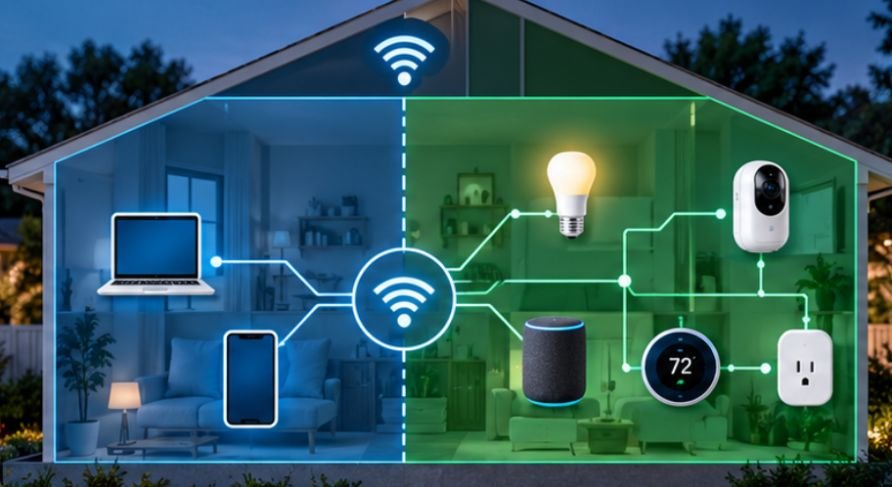
Instead of allowing smart bulbs, televisions, cameras, computers, and phones to communicate freely on one flat network, place lower-trust Internet of Things devices on a separate guest or IoT network.
NIST specifically recommends considering a separate network for smart-home equipment so that a compromised device has less direct access to computers containing sensitive information.
Network separation becomes even more effective when paired with local-first automation, which allows compatible smart devices to perform essential functions without relying on continuous cloud connectivity. By choosing a suitable hub, supported communication protocols, and locally processed automations, you can reduce external dependencies while maintaining control over your connected home.
Explore this comprehensive resource on building an offline smart home without an internet connection to gain deeper insight into implementing locally controlled automations, minimising cloud dependencies, and establishing a more private, resilient smart-home ecosystem.
A basic setup might look like this:
Home network: laptops, phones and trusted personal devices.
IoT network: smart plugs, televisions, speakers, appliances, cameras and similar equipment.
More advanced routers may allow VLANs, firewall rules, client isolation, or restrictions controlling which devices can communicate with each other.
Carnegie Mellon University’s Software Engineering Institute describes segmentation as a way to prevent everything on a network from being freely reachable from everything else. That principle translates well to connected homes.
Harden Every Device After Installation
Network isolation reduces consequences, but individual devices still need protection.
Replace Factory Credentials
Never leave a smart camera, hub, NAS, doorbell, router, or other configurable device using a generic factory login.
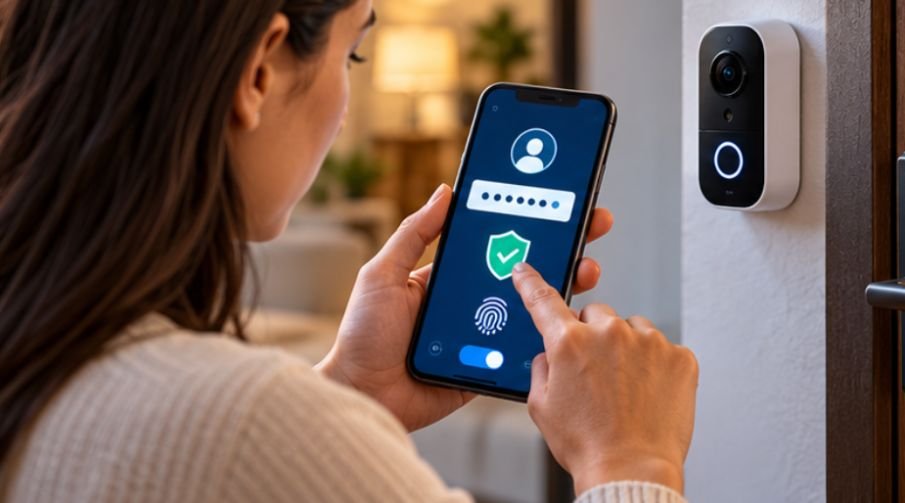
Create a unique password for every account. A password manager makes this realistic without requiring you to memorize dozens of credentials.
Reusing passwords is dangerous because credentials exposed through an unrelated service breach can be tested against other accounts.
Turn On Multi-Factor Authentication
Enable MFA or two-factor authentication anywhere the manufacturer supports it, particularly for accounts controlling:
- cameras
- door locks
- alarm systems
- garage doors
- video doorbells
- smart-home hubs
The FTC recommends two-factor authentication for connected devices when available because a stolen password alone then becomes less useful to an attacker.
Prefer authenticator apps, passkeys, or security keys over SMS when manufacturers provide stronger options.
Treat Firmware Updates Like Security Repairs
People often think firmware updates are mainly about new features. They frequently contain security fixes.
NIST studied 412 U.S. smart-home users and found that people generally considered updates important and urgent, while also identifying confusion and usability problems around how smart devices receive them.
Enable automatic updates where practical. For devices that require manual updates, check their companion apps or manufacturer’s support pages periodically. More importantly, find out when support ends.
A perfectly functional camera may still become a liability if the manufacturer no longer patches discovered vulnerabilities. CISA likewise recommends replacing internet-accessible technology that no longer receives security support.
Disable Features You Never Use
Convenience features increase what security professionals call the attack surface: the collection of functions that potentially could be targeted.
Review each device and turn off unnecessary capabilities such as remote administration, unused microphones, unnecessary cloud access, voice purchasing, unused integrations, or remote viewing.
For routers, the FTC specifically recommends examining features including remote management, WPS, and UPnP because convenience can come with security tradeoffs.
For an additional layer of protection, consider restricting internet access for smart-home devices that can operate reliably through local control. Router-level firewall rules can limit unnecessary outbound connections, while a dedicated IoT network can help prevent isolated devices from reaching trusted computers and personal data.
Learn how to block smart home devices from internet access to understand how to apply these restrictions without unnecessarily disrupting essential smart-home functions.
Do not disable something blindly if another device depends on it. Test your automations afterward.
Security Should Influence What You Buy Next
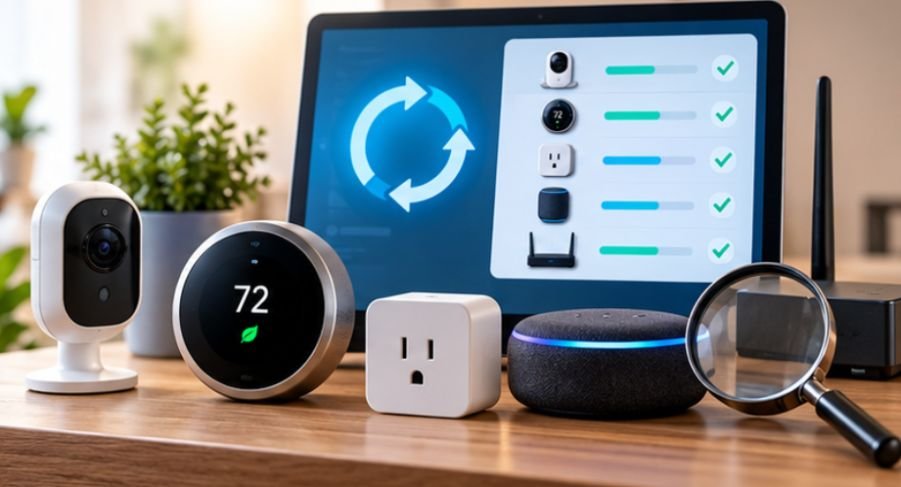
Cybersecurity begins before setup. Smart-home security also involves evaluating whether connected devices deliver practical value without introducing unnecessary costs or dependencies. Smart thermostats, for example, can support more efficient heating and cooling through scheduling, occupancy-based adjustments, and energy-use insights, although the actual savings depend on household habits, climate, and HVAC performance.
Before investing in one, consider whether smart thermostats actually save money to weigh their potential energy benefits against their purchase price and ongoing requirements.
Before buying another connected device, check whether the manufacturer publishes an update policy, offers MFA, encrypts communications, supports automatic updates, and explains how long security support is expected to continue.
U.S. shoppers may also encounter the FCC’s Cyber Trust Mark program, created to help consumers identify qualifying wireless consumer IoT products that meet cybersecurity requirements based on NIST-derived criteria. A cheap connected product is less of a bargain if its vendor disappears and security updates stop a year later.
What Smart-Home Security Cannot Guarantee
No configuration makes an internet-connected home impossible to hack. Manufacturers can introduce software flaws. Cloud accounts can be attacked. Phones controlling smart devices can be compromised. Supply-chain vulnerabilities may exist before a product even reaches your house. The goal is therefore not perfect security. It is layered security.
A stolen account password should encounter MFA. A compromised bulb should be separated from your laptop. A discovered software flaw should be fixed through updates. An abandoned device should eventually leave the network. That is considerably harder for an attacker to defeat than one security measure alone.
Frequently Asked Questions
1. Can smart home devices actually be hacked?
Yes. Connected devices can contain software vulnerabilities, weak passwords, exposed services, or insecure configurations. Risk varies substantially by manufacturer, device type, setup, and update practices.
2. Should smart devices use a guest Wi-Fi network?
Usually, yes. Separating IoT devices from computers and phones can reduce the damage possible if one connected device becomes compromised.
3. Does changing the Wi-Fi password protect smart devices?
It helps prevent unauthorized network access, but it is only one layer. Device passwords, MFA, firmware updates, network segmentation, and secure router settings are also important.
4. How often should I check smart-home security?
Review connected devices every few months and whenever you install or remove equipment. Security updates should be installed promptly, preferably automatically.
The Smartest Home Is the One With Boundaries
The most important security improvement may be invisible. Your lights still switch on, the thermostat still adjusts itself, and the doorbell still sends alerts—but devices no longer receive unlimited trust simply because they sit inside your house.
If you want to know how to secure smart home devices from hackers, begin at the router, separate lower-trust gadgets, update everything, enable MFA, and remove equipment that has lost manufacturer support.
Smart-home security works best as a series of boundaries. The objective is not to make every gadget unbeatable; it is to ensure that one weak gadget cannot become the key to everything else.