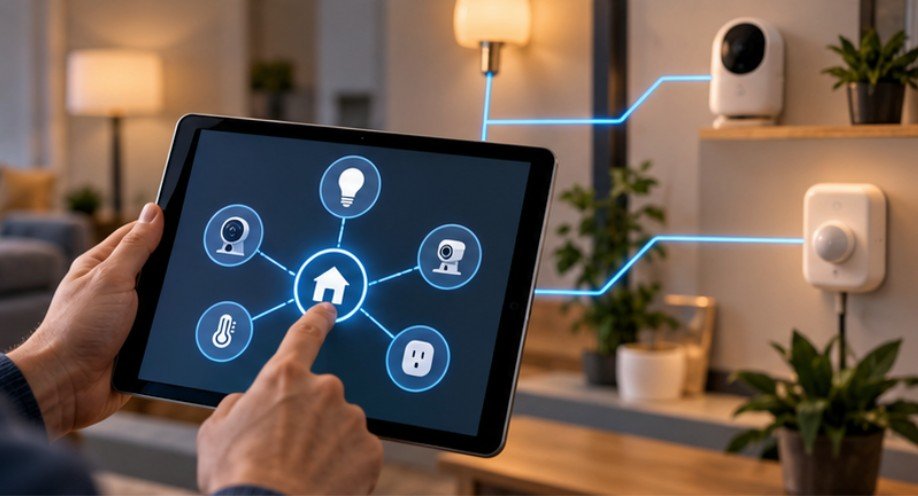
A smart light bulb does not necessarily need permission to communicate with servers halfway around the world just to turn on in your living room.
That distinction matters. Many connected devices can continue performing useful local functions even when their path to the public internet is removed. Learning how to block smart home devices from internet access can reduce unnecessary cloud communication, limit exposure if a gadget is compromised, and give you more control over what leaves your home network.
The trick is blocking the right traffic without accidentally disabling the features you actually bought the device for.
Why Cutting Internet Access Can Improve Smart Home Security
Every internet-connected device creates another potential communication path between your home and outside systems.
The Federal Trade Commission advises homeowners to identify devices connected to their routers, keep firmware updated, disable functions they do not need, and secure the router itself. The FTC also notes that connected devices can include cameras, televisions, voice assistants, appliances, and many other products.Internet blocking goes one step further.
Suppose a Wi-Fi smart plug accepts commands directly from Home Assistant on your local network. If the plug does not require its manufacturer’s cloud service for normal operation, allowing unrestricted outbound connections may provide little practical benefit. Blocking those connections reduces its possible communication paths.
NIST has explored a similar principle through Manufacturer Usage Description, or MUD. The concept is that IoT devices should be allowed to communicate only with network destinations necessary for their intended functions rather than receiving unrestricted network access.
First Find Out Whether the Device Can Work Locally
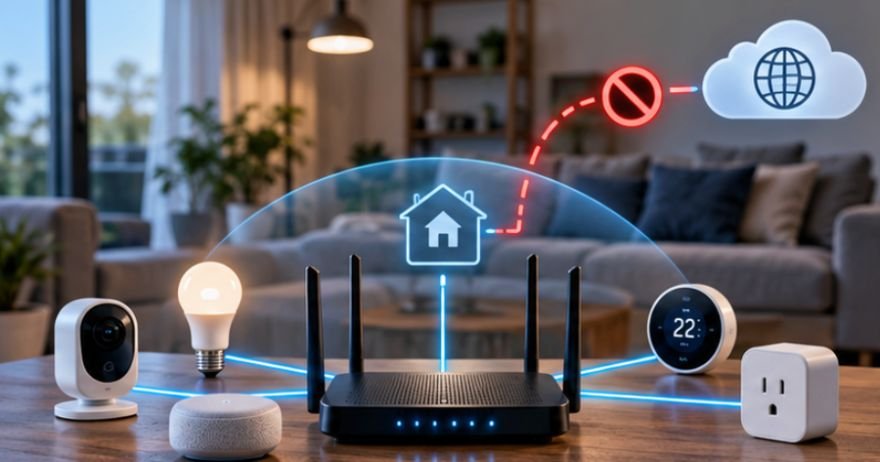
Do not block anything yet. Run a simple test first:
Disconnect your home’s WAN connection or temporarily pause internet access for one device through your router. Keep Wi-Fi and the local network running. Now test the important functions.
Can your wall switch still control the bulb? Does Home Assistant still see the sensor? Does your thermostat respond from your phone while the phone is connected to home Wi-Fi? Does your automation still trigger?
If everything important works, the device is a good candidate for internet blocking.
Choosing the right sensors is equally important when building a secure, locally controlled smart home. Motion, contact, temperature, and humidity sensors can support useful automations, but their compatibility with local hubs and network protocols determines whether they continue functioning when internet access is restricted.
Before isolating connected devices, consider how to choose smart sensors for home automation to identify suitable hardware for reliable local operation and more resilient automation routines.
If it immediately becomes useless, it probably depends on a manufacturer’s cloud infrastructure. This distinction is especially important with cameras, doorbells, voice assistants, and some inexpensive Wi-Fi devices.
The Simplest Method: Block the Device at Your Router
For most households, the router is the easiest control point. Open the router’s administration page or companion app and find a section named Connected Devices, Clients, Access Control, Parental Controls, Device Management, or something similar.
Identify the IoT device carefully. Assigning it a recognizable name and a reserved DHCP address makes future management easier. If your router offers a “pause internet,” “block internet,” or access-control option, activate it for that device. Then test local operation again.
Be careful with parental-control systems that merely block websites. What you want is a rule preventing outbound WAN access, not simply a DNS content filter. The FTC recommends securing the router itself with WPA3 or WPA2 encryption, changing default administrative credentials, updating router firmware, and enabling its firewall.
A Better Setup: Put IoT Equipment on Its Own Network
Once a home contains dozens of connected devices, managing them individually becomes cumbersome.
Network segmentation is usually cleaner.
Use an IoT VLAN
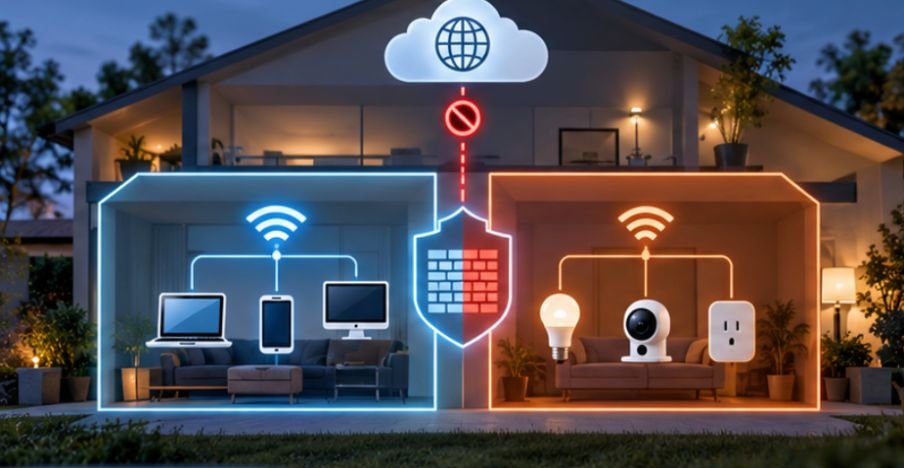
More advanced routers and firewalls allow you to create a VLAN, or virtual local area network, specifically for smart devices.
You might have:
Main LAN — computers and phones
IoT VLAN — plugs, lights, TVs and appliances
Camera VLAN — surveillance equipment
Guest network — visitors
The IoT network can then receive a firewall rule such as:
IoT → Internet: Deny
IoT → Main LAN: Deny
Main LAN → IoT: Allow only required traffic
That arrangement is considerably more controlled than placing every device on one flat network.
CISA recommends home network segmentation as a way to separate groups such as IoT devices, personal computers, guests, and work systems. Segmentation can also limit communication between groups if one device becomes compromised.
Can You Just Use Guest Wi-Fi?
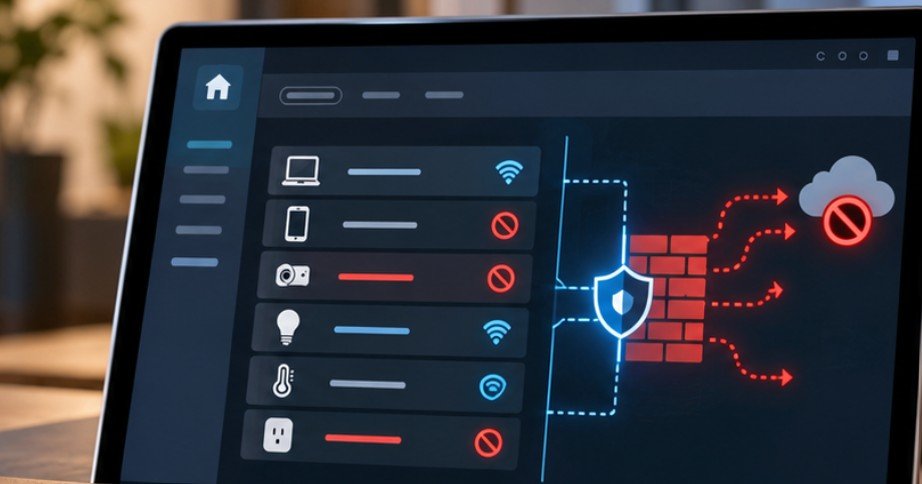
Sometimes. A guest network is useful for keeping untrusted equipment away from laptops and other personal devices. But guest mode does not automatically mean “no internet.”
In fact, most guest networks are designed to do the opposite: block access to your private LAN while giving guests unrestricted internet access.
So verify what your router actually does. For internet blocking, you need explicit WAN restrictions in addition to isolation.
Local Smart-Home Protocols Make This Much Easier
Zigbee and Z-Wave devices are particularly attractive for local-first homes because individual sensors and switches do not normally communicate directly with internet servers. They communicate with a coordinator or hub. You can therefore keep the devices local while deciding separately whether the hub receives internet access.
Some Matter configurations can also perform substantial local control, although individual products may still use internet services for manufacturer-specific features. Wi-Fi devices vary much more dramatically.
Understanding the communication standards behind connected devices makes it easier to determine which products can operate reliably without cloud access. Zigbee, Z-Wave, Thread, Matter, and Wi-Fi differ in their network architecture, device compatibility, and support for local control, so selecting the right combination can simplify both security and automation.
Explore smart home protocols explained for beginners to understand how these technologies interact and how their capabilities influence a more secure, locally managed smart-home environment.
Some expose a documented local API; others become almost useless once their cloud connection disappears.
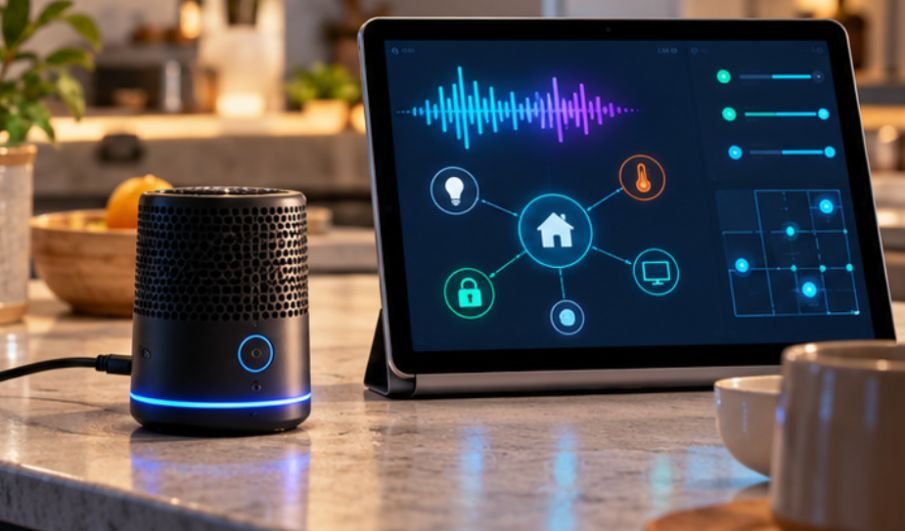
For households aiming to reduce cloud dependence further, a locally hosted voice assistant can provide convenient control without routing every command through an external service. By integrating Home Assistant with local speech recognition, text-to-speech, and an optional language model, you can manage compatible devices while keeping routine voice processing within your home network.
Learn how to run a local AI voice assistant for a smart home to explore the architecture, software components, and privacy considerations involved in building a more autonomous smart-home system.
This is why network behavior should be part of the buying decision, not something considered only after installation.
The Internet Society’s IoT Trust Framework emphasizes security throughout a connected product’s lifecycle, including software updates, data handling, credentials, and transparency about device practices.
Do Not Accidentally Block Security Updates Forever
There is a tradeoff that aggressive network isolation can create. A device denied permanent internet access may also be unable to download firmware patches. That means a theoretically “locked-down” device could slowly become outdated.
A sensible policy is to permit temporary internet access for controlled maintenance. Check the manufacturer’s firmware status, open access long enough to update when necessary, then restore your firewall restriction.
For devices with local firmware installation, manually applying trusted firmware may be preferable.
Unsupported hardware deserves even more scrutiny. If a manufacturer has stopped providing security fixes, isolation becomes more valuable—but replacement may ultimately be safer.
What Will Stop Working After You Block Access?
Expect cloud-dependent features to disappear. Remote control while away from home may fail. Push alerts may stop. Cloud video recording may disappear. Manufacturer voice-assistant integrations can break. Usage analytics, weather services, account synchronization, and automatic updates may also depend on external servers.
A local smart-home controller can replace many of these functions. For remote access, a VPN into your home network is generally preferable to exposing individual smart devices directly to the public internet.
What you should not do is compensate for blocking outbound traffic by randomly forwarding ports back to the device. That can undermine much of the security benefit you were trying to achieve.
A Five-Minute Internet-Blocking Checklist
Before considering the job finished, verify five things.
Confirm the device still performs its essential function locally.
Check that its internet connection is genuinely blocked rather than merely filtered through DNS.
Make sure the IoT device cannot freely initiate connections to computers on your trusted LAN.
Create a plan for firmware updates.
Finally, reboot the device and router and test everything again. Some products cache cloud sessions and appear functional immediately after blocking before failing several hours later.
Frequently Asked Questions
1. Can smart devices work without internet?
Some can. Zigbee, Z-Wave, local Wi-Fi integrations, and locally controlled hubs often continue working, while cloud-dependent products may lose most features.
2. Will blocking internet access stop a smart device from using Wi-Fi?
No. Wi-Fi provides local network connectivity. A firewall can keep the device connected to your LAN while preventing communication with the wider internet.
3. Is a guest network enough to secure IoT devices?
Not necessarily. Guest Wi-Fi usually provides isolation from your main network but often still allows full internet access. Check your router’s firewall and access-control settings.
4. Should smart cameras be blocked from the internet?
Only if your setup supports local viewing or recording. Cloud-only cameras may lose remote viewing, notifications, storage, or even basic functionality when internet access is removed.
A Smarter Definition of a Smart Home
Learning how to block smart home devices from internet access is less about making every connected gadget completely offline and more about giving each device only the connectivity it actually requires.
Start with one low-risk device such as a plug, bulb, or sensor. Block its WAN access, verify its local functions, and observe the result before applying the same policy elsewhere.
For larger homes, move toward a dedicated IoT network with deliberate firewall rules and local automation. A truly smart network is not the one where everything can reach everything else. It is the one where every connection has a reason to exist.