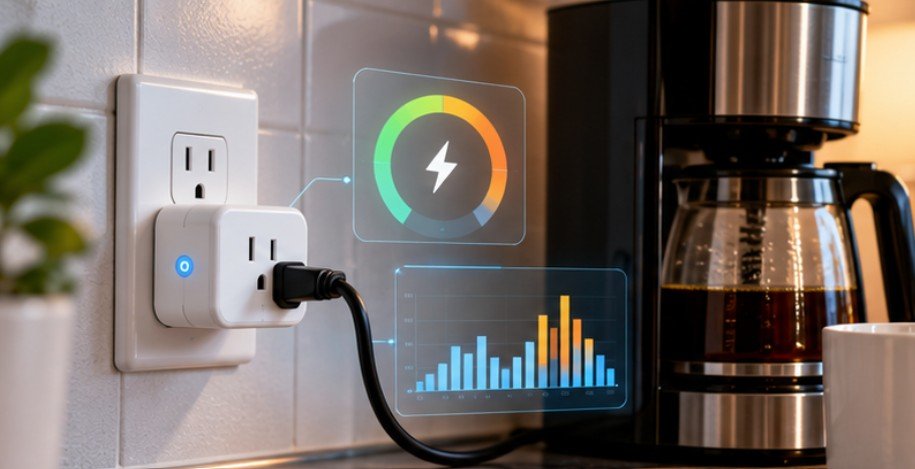
A device drawing just 5 watts while nobody is using it consumes about 44 kWh over a year. Multiply that by televisions, printers, speakers, chargers, networking gear, and home-office equipment, and seemingly trivial standby loads become surprisingly visible on an electric bill.
That is why smart plug energy monitoring Home Assistant setups are more useful than ordinary remote-control outlets. Instead of merely switching an appliance on and off, the right plug tells Home Assistant how much electricity the appliance is actually consuming, when it consumes it, and whether an automation could reduce that waste.
The U.S. Department of Energy notes that equipment can continue consuming electricity while apparently turned off, a condition known as standby power. Its guidance also shows why accurate low-watt measurements matter when evaluating these loads.
What Energy-Monitoring Smart Plugs Actually Measure
A basic smart plug contains a relay. Home Assistant tells that relay to open or close, which turns the connected appliance off or on.
An energy-monitoring plug goes further by measuring electrical characteristics such as instantaneous power in watts and accumulated energy in watt-hours or kilowatt-hours. Depending on the model and integration, Home Assistant may also expose voltage, current, frequency, or estimated cost.
The distinction between watts and kilowatt-hours is important.
Watts tell you what an appliance is consuming right now. Kilowatt-hours tell you how much electricity it consumed over time.
A 500-watt appliance operating for two hours uses approximately:
500 W × 2 hours ÷ 1,000 = 1 kWh
If your electricity rate were $0.18 per kWh, that session would cost roughly $0.18.
Home Assistant can combine this historical data with its Energy dashboard so you can compare individual devices rather than relying entirely on whole-house utility consumption. Home Assistant specifically supports adding individual-device energy sensors and can derive energy from compatible power sensors when necessary.
Why Device-Level Monitoring Is More Useful Than It Looks
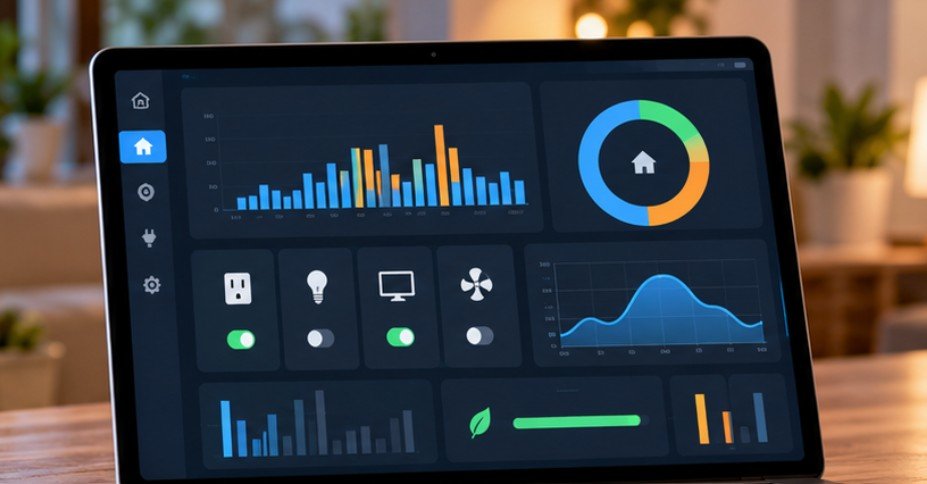
Most homeowners already know that air conditioners and electric heaters consume substantial power. The harder problem is discovering devices that run longer than expected or quietly draw electricity around the clock.
UC Berkeley describes standby power as electricity used by equipment that remains plugged in while switched off and notes that these loads collectively represent substantial U.S. electricity consumption. A smart plug makes those invisible loads measurable.
For example, monitoring a home-office printer for a week might reveal that it spends only minutes printing but remains powered continuously. A television entertainment system might consume several watts overnight. A dehumidifier may operate considerably longer than expected because of its humidity setting.
The value comes from identifying behavior, not simply collecting graphs.
The American Council for an Energy-Efficient Economy has similarly examined smart outlets and connected-home technology as tools for controlling plug loads and reducing wasted energy.
Choosing a Smart Plug for Home Assistant
For U.S. homes, I would evaluate a plug using four criteria: electrical rating, energy sensors, local integration quality, and wireless protocol.
When expanding a connected-home setup, it is also worth considering how other devices can be integrated without unnecessary electrical modifications.
This resource on how to install a smart lock without a C-wire explains the power requirements and installation considerations for battery-operated smart locks, another practical component of a modern smart home.
Smart plug energy monitoring is one way to make a connected home more efficient, but it is only part of a broader automation strategy.
Homeowners upgrading older properties can explore these smart home automation ideas for old homes to discover practical ways to improve convenience, manage connected devices, and modernize everyday home functions.
Shelly: Strong Local-Control Option
Shelly devices are attractive for Home Assistant installations because the official integration communicates directly with compatible devices instead of requiring cloud communication for normal operation. Home Assistant classifies the Shelly integration as Local Push.
That makes Shelly especially interesting for people building privacy-focused or resilient smart homes.
If evaluating a Shelly Plug US model, verify the exact generation, electrical rating, energy-measurement capabilities, and Home Assistant support before purchasing because product generations continue to change.
Sonoff: Popular With DIY-Oriented Users
The Sonoff S31 has long been popular among Home Assistant enthusiasts because energy-monitoring versions can expose useful power information and the platform has attracted users interested in local firmware ecosystems.
The important purchasing lesson is not simply to look for the Sonoff name. Verify that the exact U.S. model includes power monitoring because similarly named smart plugs may offer switching without metering.
Tapo P115: A Practical U.S. Wi-Fi Choice
The regional distinction matters here. Although the Tapo P110 often appears in international recommendations, TP-Link currently lists the Tapo P115 on its U.S. site as a 100–125V, 15A smart plug with energy monitoring and a maximum 1,800-watt general-use/resistive load.
Home Assistant’s official TP-Link integration lists both P110 and P115 among supported Tapo plugs and communicates locally with supported devices after authentication. That makes the P115 a more relevant model to investigate for a typical U.S. 120V outlet.
Zigbee Plugs: Useful When Wi-Fi Is Already Crowded
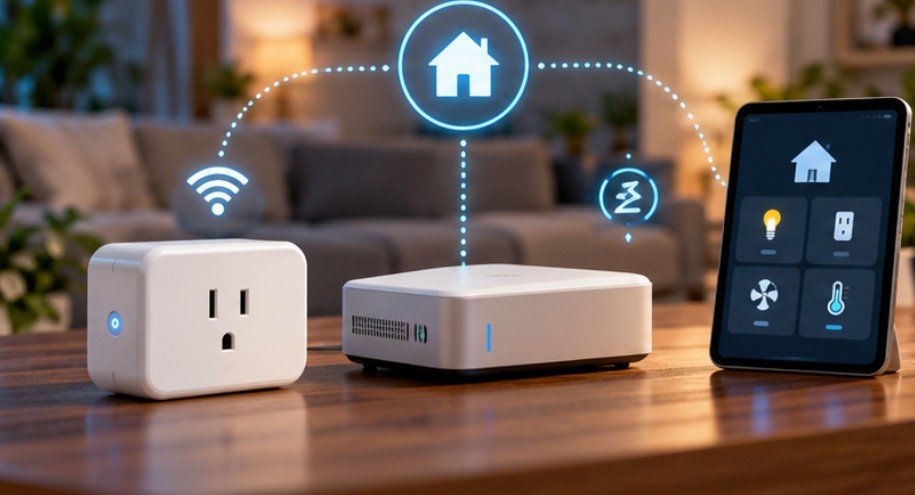
A Zigbee energy-monitoring plug can be especially useful in homes with many IoT devices. Instead of adding another Wi-Fi client, the outlet joins your Zigbee network and may also act as a router for nearby Zigbee devices. You will need a compatible coordinator and either ZHA or Zigbee2MQTT.
Check the exact device’s exposed sensors before ordering. A Zigbee plug that supports remote switching does not automatically guarantee useful energy data.
How to Add the Plug to Home Assistant
The exact setup depends on the protocol, but the process should ultimately produce an energy entity that Home Assistant can record.
For a Zigbee plug, enable pairing in ZHA or Zigbee2MQTT, reset the outlet according to its manufacturer’s procedure, and wait for discovery. After pairing, confirm that entities for power and accumulated energy appear.
For Wi-Fi devices such as Shelly or Tapo, provision the plug on your network and then open Settings > Devices & Services in Home Assistant. Compatible Shelly and TP-Link devices can frequently be discovered automatically, although they can also be added manually.
If a smart plug repeatedly drops offline or becomes unavailable in Home Assistant, the issue may stem from Wi-Fi coverage, router settings, or network interference rather than the device itself. Understanding why smart home devices keep disconnecting can help you troubleshoot these connectivity problems and maintain a more reliable smart-home setup.
Next, open Settings > Dashboards > Energy and add the appropriate consumption entity under individual devices.
If your plug exposes watts but no usable kWh sensor, Home Assistant can use its Integration/Riemann sum functionality to convert changing power readings over time into accumulated energy.
Run a Seven-Day Energy Audit Before Automating Anything
A common mistake is buying an energy-monitoring plug and immediately scheduling the appliance off overnight. Measure first.
Monitor the device normally for seven days. Note its active wattage, standby wattage, daily kWh consumption, operating times, and whether unexpectedly high consumption occurs during certain hours. Then calculate annualized consumption:
Daily kWh × 365 × electricity rate = estimated annual cost
Suppose a home-office setup consumes 0.20 kWh while idle each day. That becomes 73 kWh annually. At $0.18 per kWh, the idle consumption costs about $13.14 per year. That may justify an overnight automation. A device drawing 0.2 watts probably does not.
ENERGY STAR’s smart-home energy-management criteria recognize plug-load monitors and controls as useful energy-management components and require qualifying systems’ plug monitoring equipment to report power or energy consumption.
Automate Based on Power, Not Just the Clock
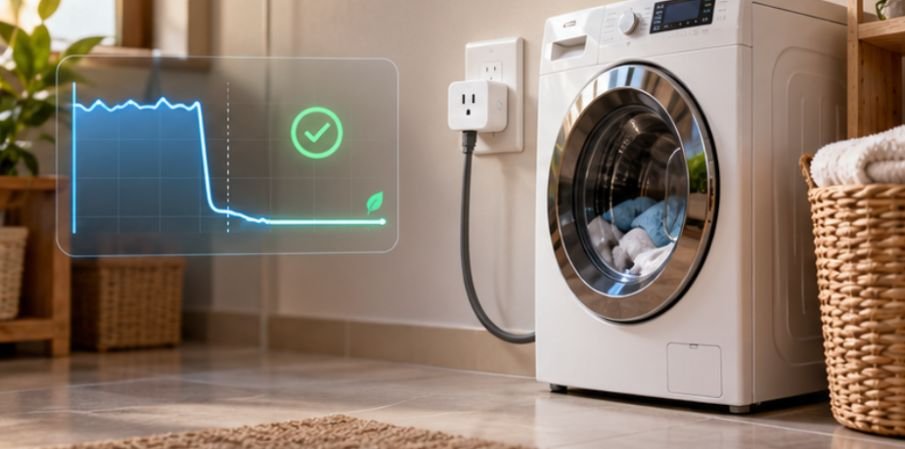
Energy data becomes much more useful when it triggers actions. A washing machine, for example, may draw substantial power while operating and then fall to a few watts when its cycle finishes. Home Assistant can watch that transition and send a notification.
A workshop device could trigger an alert if it continues drawing significant power after normal working hours. An entertainment center could shut down selected accessories after the television’s power falls below a threshold for several minutes.
This is more intelligent than using a fixed timer because the automation reacts to what the appliance is actually doing.
NREL’s building-efficiency guidance emphasizes reducing electricity consumption from plug loads without compromising their intended performance, which is a useful principle for residential automation as well.
Know What Not to Put on a Smart Plug
A 15-amp label does not mean every appliance is a good candidate. Motors, compressors, heaters, air conditioners, pumps, and other high-inrush or high-current equipment deserve additional scrutiny. Follow the smart plug manufacturer’s load limits, including restrictions for motor loads.
I would also avoid casually automating refrigerators, medical equipment, networking hardware, security systems, servers, or devices that could be damaged or create problems after an unexpected power interruption.
Energy monitoring does not require aggressively switching everything off. Sometimes measurement alone is the useful feature.
Frequently Asked Questions
1. Does Home Assistant need the internet to monitor a smart plug?
Not necessarily. Devices with supported local integrations can communicate over your home network or Zigbee network without cloud polling, although initial setup or authentication requirements vary by manufacturer.
2. Can Home Assistant calculate kWh from watts?
Yes. If a compatible device reports instantaneous power but not accumulated energy, Home Assistant can integrate the power readings over time to create an energy sensor.
3. Is Tapo P110 the best choice for U.S. homes?
Check the region carefully. TP-Link’s U.S. lineup currently includes the 120V Tapo P115 with energy monitoring, while P110 versions are common in other markets.
4. Are smart plugs accurate enough to measure standby power?
Many are useful for household comparisons, but accuracy varies. Very small loads are harder to measure reliably, so avoid treating consumer smart-plug readings as laboratory-grade measurements.
Final Thoughts
The most useful smart plug is not the one with the fanciest app. It is the one that exposes reliable energy data to Home Assistant and helps you make a specific decision.
Start with one appliance whose behavior you genuinely do not understand: a home-office setup, entertainment center, dehumidifier, appliance charger, or workshop device. Record a full week before changing anything.
That approach turns smart plug energy monitoring Home Assistant from another collection of smart-home graphs into something much more valuable: evidence. Once you know where electricity is going, you can decide whether to automate it, replace the equipment, change how you use it, or simply leave it alone.