A robot can roll smoothly across a workbench and reset the moment its wheels touch carpet. That difference is why I treat power planning as part of the design. Understanding how to create a power budget for a robot helps me connect component choices, operating conditions, and battery capacity before buying hardware.
The process starts with recording each load, estimating average consumption, and checking demanding moments separately. A useful budget predicts both operating time and whether the electrical system can handle acceleration without losing power.
Define the Robot’s Job and Runtime
Start with the mission. A rover exploring a classroom has different demands from a robot carrying tools uphill. Define payload, surface, speed, operating temperature, and desired runtime.
Describe how the robot spends its time. Ten minutes driving followed by ten minutes waiting consumes differently from continuous movement. Include cameras, wireless communication, and processing tasks that remain active while the wheels stop.
These assumptions make your calculations meaningful and give you conditions to reproduce during testing.
List Every Component and Voltage Rail
Create a worksheet containing every powered component, including motors, controllers, sensors, radios, lights, fans, and displays. Record quantity, operating voltage, idle current, active current, and peak current.
Accurately identifying each component’s function is essential when assessing a robot’s electrical requirements. Sensors collect environmental data and provide feedback, whereas actuators convert control signals into physical movement or mechanical action.
Understanding the distinctions between sensors and actuators in robotics helps you classify system components correctly, evaluate their individual power demands, and develop a more comprehensive power budget.
Accurate power budgeting begins with understanding how each component contributes to the robot’s overall functionality. Sensors detect changes in the surrounding environment, convert physical measurements into electrical signals, and provide the information controllers need to make decisions.
Understanding how robot sensors work, from signal detection to intelligent action can help clarify their role in the system and identify the power requirements that must be included in a comprehensive budget.
Group loads by their supply rail, such as battery voltage, 5 V, or 3.3 V. Do not directly combine currents from different voltages. Convert them into power first.
Power in watts equals voltage multiplied by current in amps. A 5 V device drawing 0.6 A consumes 3 W. Record peripherals carefully so their consumption is not counted twice through both individual entries and a board-level measurement.
Separate Average Consumption From Peak Demand
Find Realistic Operating Values
Use manufacturer datasheets as starting points, then measure the assembled system. Motor no-load current describes freely spinning operation, which can underestimate consumption when moving a loaded chassis.
Average demand depends on activity. If a device draws 1 A while active and 0.1 A while idle, with equal time in each state, its average current is 0.55 A.
Account for actuator differences. Steppers can consume substantial power while holding position, while servos and drive motors change consumption with load.
Check Demanding Events Separately
Startup, acceleration, wheel obstruction, and simultaneous servo movement can create brief peaks. Record credible combinations rather than assuming every peak always occurs together.
Use motor stall specifications to assess potential demand, accounting for configured driver current limits. Avoid deliberately locking an unfamiliar motor to obtain a reading.
Calculate Battery Power With Conversion Losses
Regulators consume energy while changing voltage. For each converted rail, divide output power by efficiency to estimate the required input power.
For example, a 5 V rail supplying 2 A delivers 10 W. At an assumed 90% efficiency, it requires approximately 11.1 W from the battery. Use efficiency data appropriate to the actual input voltage and load.
Add battery-side power across all branches. Include driver losses and converter standby consumption where relevant, while avoiding duplicate allowances.
Work Through a Simple Rover Example

Consider an illustrative rover whose motor branch averages 18 W at the battery. Its computer and sensors require 10 W through a 90% efficient converter. Other battery-side loads consume 1 W.
Total average battery demand becomes 18 + 11.1 + 1, or approximately 30.1 W.
For a two-hour mission, the rover needs about 60.2 Wh of usable energy. Assuming an illustrative 80% usable fraction, required nominal capacity becomes 60.2 ÷ 0.8, or 75.3 Wh.
Once the robot’s power requirements have been established, the next step is to determine whether the selected battery can sustain the intended operating period.
Estimating energy consumption under representative workloads helps translate the power budget into a realistic runtime projection, accounting for usable battery capacity and average demand. This method for estimating battery runtime for a robot provides a useful way to validate capacity requirements and refine battery selection before finalising the power system.
Translating a power budget into a dependable operating-time estimate requires accounting for both usable battery energy and the robot’s average power consumption.
Actual runtime can vary considerably with workload, payload, operating conditions, and conversion losses, making realistic measurements essential for validating theoretical calculations.
At 12 V nominal, that equals approximately 6.3 Ah. This reserve is a planning assumption; actual usable capacity depends on chemistry, temperature, load, aging, and cutoff settings.
Check Delivery Capacity and Power Distribution
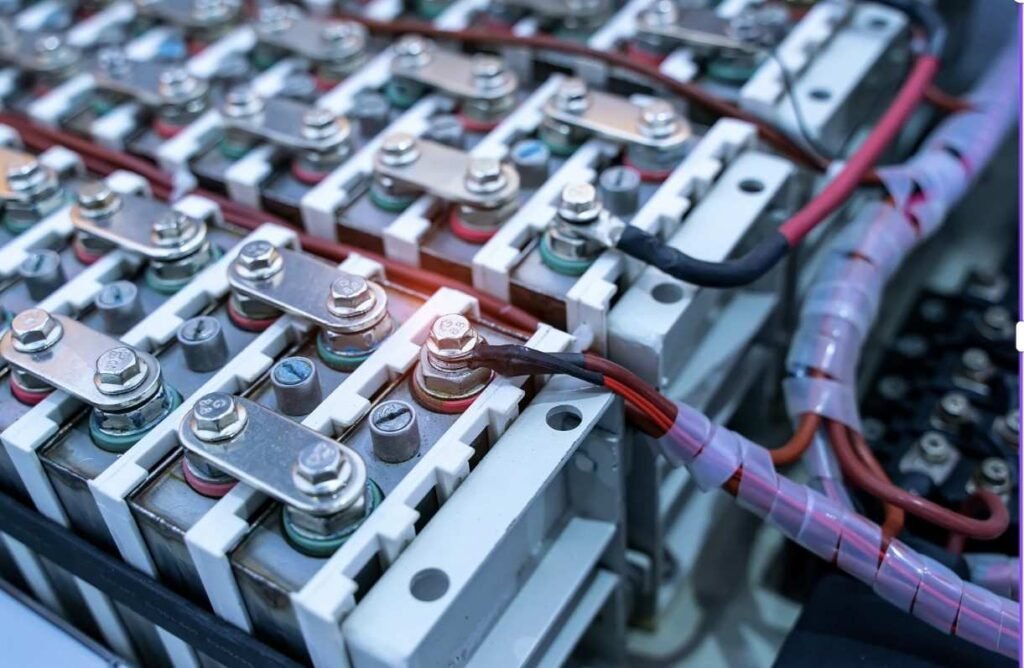
Capacity alone does not establish suitability. Check battery continuous and pulse discharge ratings, protection-board limits, connectors, and switches against expected demand.
For regulated loads, calculate battery current at the lowest expected operating voltage. The same power requires more input current as voltage falls.
Choose each regulator for its rail’s continuous load, transient requirements, input range, and cooling conditions. Select wiring using current, length, allowable voltage drop, insulation, and installation conditions. Coordinate fuse ratings and time-current behavior with the wiring they protect.
Measure, Compare, and Revise
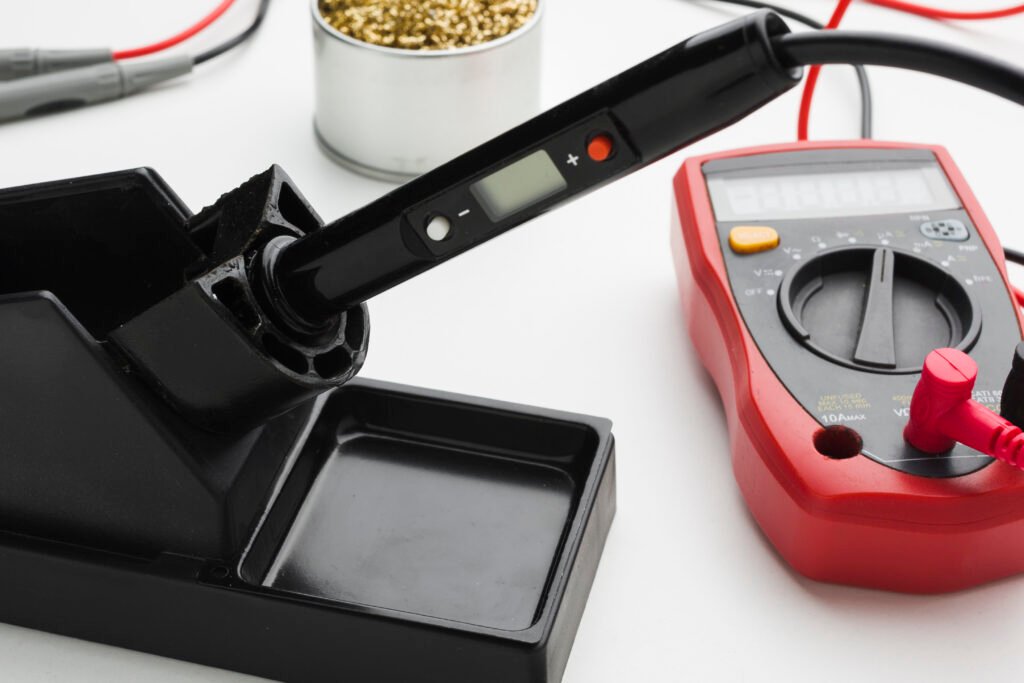
Test with the intended payload and representative surfaces. Log average battery power and observe voltage during acceleration. A basic meter can miss short transients.
Compare measured runtime with the estimate. Update duty cycles, losses, and operating assumptions when they differ. Repeat after adding hardware.
Frequently Asked Questions
1. What is the first step in learning how to create a power budget for a robot?
Define its tasks and runtime, then list every powered component with its voltage and current requirements.
2. Will a higher-capacity battery prevent resets?
It may help, but excessive resistance, inadequate regulators, poor connections, or electrical noise can still cause resets.
3. Should all peak currents be added together?
Evaluate plausible simultaneous events and fault conditions. Document assumptions and confirm them through measurement.
Final Thoughts
I see power budgeting as a document that improves alongside the robot. Initial estimates guide purchases, but measurements reveal how the complete machine behaves. By checking average energy use, demanding events, and distribution losses separately, I can choose components with clearer expectations and spend less time chasing intermittent failures.