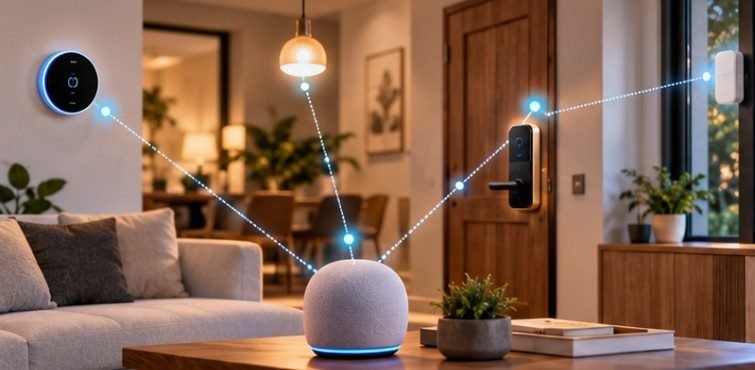
A smart lock can run for months on batteries, communicate without Wi-Fi, and still respond from your phone almost instantly. The piece making that possible is often hidden inside a smart speaker, streaming box, or home hub.
So, what is a Thread Border Router in a smart home? It is the networking device that connects a low-power Thread wireless mesh to the IP network already running through your home, typically Ethernet or Wi-Fi. Without that bridge, your phone and many smart-home controllers cannot directly reach Thread devices.
That seemingly small networking role has become increasingly important as Matter-compatible locks, sensors, thermostats, switches, and other devices enter American homes.
A Thread Border Router Is a Router, Not Another Smart-Home Bridge
Thread was designed as an IP-based, low-power mesh networking technology. Devices communicate using IPv6, rather than depending on a proprietary hub to translate every message into a completely different networking language.
The Thread Group describes a Border Router as equipment capable of routing packets between the Thread mesh and other IP-bearing networks. That distinction matters: the Border Router generally forwards network traffic rather than acting as the brains behind your automations.
Thread also builds on IEEE 802.15.4, a standard intended for low-data-rate, low-power wireless networking. IEEE describes the technology as suitable for devices with limited battery consumption requirements. That helps explain why Thread makes sense for door sensors, locks, temperature sensors, and similar devices that should not need frequent charging.
What Actually Happens When You Tap a Smart-Home App?
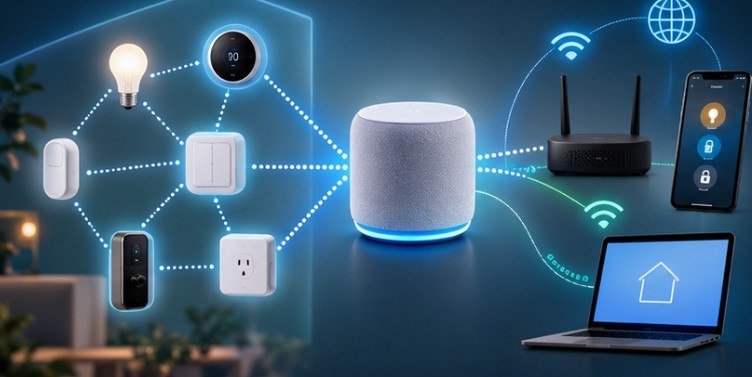
Imagine you have a Matter-over-Thread thermostat. Your phone is connected to Wi-Fi, but the thermostat communicates over Thread. When you change its temperature setting, the command can travel across your home IP network to a Thread Border Router. The Border Router provides a route into the Thread mesh, where the thermostat can receive the IP traffic.
The important point is that Thread itself uses IPv6. The Internet Engineering Task Force defines an IPv6 router as a node that forwards IPv6 packets that are not addressed to itself. Thread’s IP-based architecture allows its devices to participate in this broader networking model rather than requiring application-level translation at every boundary.
Thread Border Router vs. Matter Controller: Do Not Confuse Them
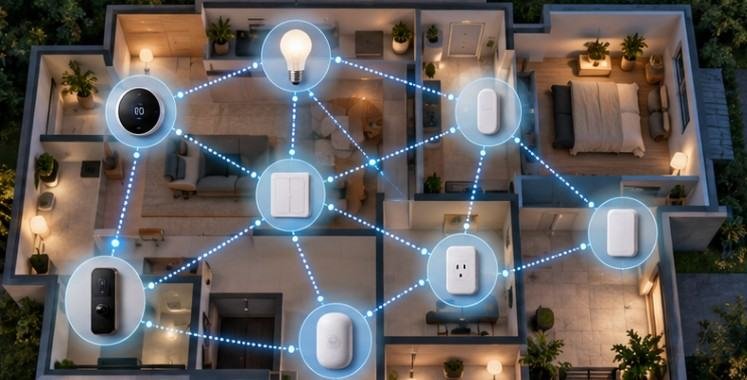
This is one of the most common sources of confusion. A Thread Border Router provides network connectivity between Thread and the rest of your IP network. A Matter controller manages Matter devices, including commissioning them, sending commands, reading their status, and participating in automations. One piece of hardware can perform both jobs, but the jobs remain different.
Think of the Border Router as the road connecting two neighborhoods. The Matter controller is closer to the person deciding where the cars should go.
That means buying something advertised simply as a “Matter hub” does not automatically prove it provides Thread Border Router functionality. Likewise, a device that provides Thread routing does not necessarily give you every automation or ecosystem feature you expect from a Matter controller.
Why Matter Made Thread Border Routers More Important
Matter can operate over multiple IP networking technologies. Matter-over-Wi-Fi devices can connect through normal Wi-Fi infrastructure, while Matter-over-Thread products need access to a Thread network. That is where the Border Router enters the picture.
The Connectivity Standards Alliance’s Matter 1.4 work went further by defining Matter-certifiable Home Routers and Access Points that can combine a Wi-Fi access point, Thread Border Router, and secure handling of Thread network credentials. The goal is to make smart-home networking less fragmented as homes accumulate devices from different manufacturers.
Thread 1.4 similarly introduced improvements intended to help compatible Border Routers and devices work within a more unified Thread network instead of unnecessarily forming separate meshes. Thread Group also added improvements involving network reach, credential sharing, and Thread over infrastructure.
You May Already Own a Thread Border Router
Buying a separate box should not be your first move. Border Router functionality is increasingly built into smart speakers, streaming devices, Wi-Fi equipment, and smart-home hubs. Depending on model and software support, product families associated with Apple, Google, Amazon, Samsung SmartThings, Homey, and other platforms have offered Thread Border Router capabilities.
Examples commonly associated with Thread support include certain Apple TV 4K models and HomePod products, Nest Hub products and Nest Wifi Pro, selected Echo hardware, and compatible SmartThings hubs.
Model details matter, however. Manufacturers sometimes sell visually similar generations with different Thread capabilities. Never assume that every product bearing the same family name includes a Thread radio or Border Router function.
A 60-Second Check Before Buying Anything
Use this simple process:
- List the smart-home hubs, smart speakers, streaming boxes, and mesh Wi-Fi routers already powered on in your house.
- Check the exact model number—not merely the product family.
- Look for explicit manufacturer documentation stating “Thread Border Router.”
- Confirm that the device has received current firmware updates.
- Check whether your Matter-over-Thread devices are joining the same intended Thread network.
If one compatible Border Router is already operating correctly, another may not be necessary.
Why Multiple Border Routers Can Be Useful
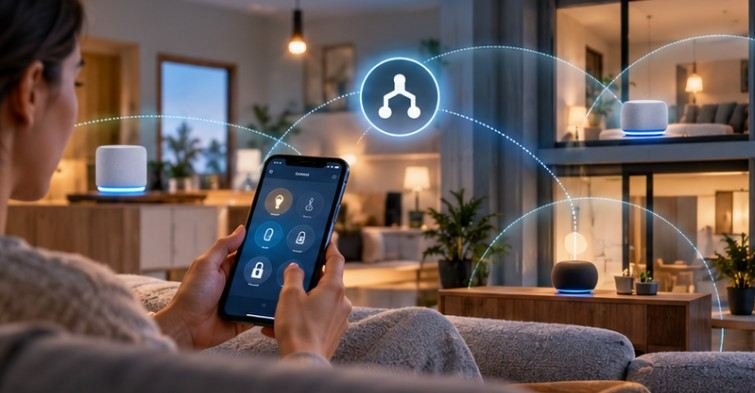
Thread is not necessarily limited to one Border Router. A home can use multiple Border Routers, which may improve resilience and coverage when the products are configured to participate appropriately in the same Thread environment. If one route becomes unavailable, another Border Router may provide connectivity.
That can be especially valuable in a larger American house where one hub sits in a downstairs family room while Thread accessories are spread across upstairs bedrooms, a garage, and exterior entryways. But more hardware does not automatically equal one larger mesh.
Older implementations or ecosystem differences can result in separate Thread networks. Thread 1.4 and newer Matter networking work are designed to reduce this fragmentation, but successful credential sharing still depends on product implementation and firmware support.
Placement Matters More Than Many Buyers Realize
A Border Router should not be treated like an invisible cloud service. It contains a physical Thread radio.
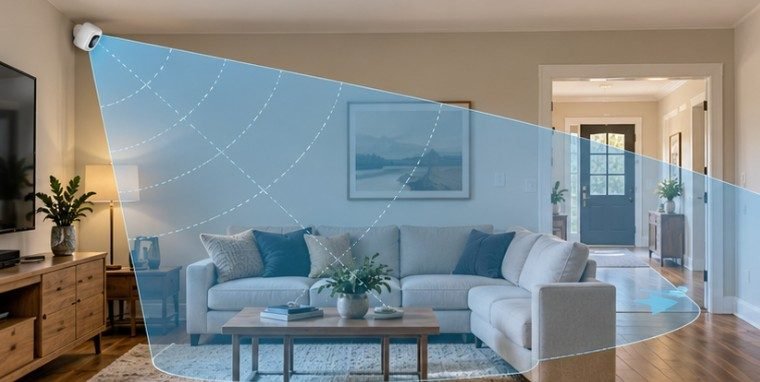
Avoid hiding the only Border Router inside a metal cabinet, entertainment center packed with electronics, or a distant corner of the house. A reasonably central location can improve the connection between the router and nearby Thread nodes.
Mains-powered Thread devices capable of routing can also help build out the mesh, while battery-operated end devices generally prioritize low energy use.
If a faraway Thread sensor repeatedly drops offline, the problem may therefore be network topology rather than the sensor itself.
Does a Thread Border Router Make Your Smart Home Secure?
Not by itself. Thread includes networking and security mechanisms, while Matter adds its own security architecture, but overall smart-home security still depends on device implementation, software updates, credentials, account protection, and network configuration.
NIST’s Cybersecurity for IoT program emphasizes that connected-device security has to be considered across device capabilities and their lifecycle rather than relying on one networking component as a universal defense.
Keep Border Routers updated, protect the accounts controlling your home, and install security updates for connected devices promptly.
Frequently Asked Questions
1. Does Thread work without Wi-Fi?
Yes. Thread devices can communicate across their Thread mesh without Wi-Fi. A Border Router connects that mesh to other IP networks such as Ethernet or Wi-Fi when communication beyond the Thread network is required.
2. Is a Thread Border Router required for Matter?
Not for every Matter product. Matter-over-Thread devices require Thread connectivity through a Border Router, while Matter-over-Wi-Fi products use ordinary Wi-Fi infrastructure.
3. Can I have two Thread Border Routers?
Yes. Thread supports multiple Border Routers, potentially improving coverage and resilience. However, verify that compatible devices are participating in the intended Thread network rather than creating isolated meshes.
4. Is a Thread Border Router the same as a hub?
No. A Border Router routes Thread traffic to other IP networks. A smart-home hub or Matter controller manages devices and automations. Some products perform both functions.
The Small Device That Makes the Mesh Useful
Understanding what is a Thread Border Router in a smart home becomes much easier once you stop thinking of it as another proprietary hub. It is networking infrastructure: the bridge that lets an efficient Thread mesh participate in the IP-based smart home around it.
Before buying one, inventory the hardware already in your house. You may discover that a speaker, streaming box, or Wi-Fi system is quietly doing the job already. If you are expanding into Matter-over-Thread locks, sensors, thermostats, and switches, however, Border Router support should become one of the first specifications you check—not an afterthought discovered during setup.