A smart home does not actually need the internet to turn on lights, detect motion, lock doors, or run schedules. What it needs is a controller inside your house that can make decisions without asking a remote server for permission.
That distinction is the foundation of how to setup offline smart home without internet. Instead of building around cloud apps, you build around a local hub, local wireless protocols, and devices that can communicate across your home network even when your cable or fiber connection disappears. The result can be faster, more private, and far more resilient during outages.
An Offline Smart Home Still Needs a Network
“Offline” does not mean removing your router.
Your local area network, or LAN, still lets phones, hubs, cameras, switches, and other devices communicate inside the house. What you are removing is the requirement for those devices to reach external cloud servers.
This matters because many conventional smart devices send commands through the internet even when the user and device are sitting in the same room. Lose internet access, and the app may suddenly become useless.
Home Assistant confirms that locally connected Zigbee, Z-Wave, Matter, Thread, and ESPHome devices can continue operating without internet connectivity because the automation software runs on hardware inside the home. That is the architecture you want to reproduce.
Start With a Hub That Processes Automations Locally
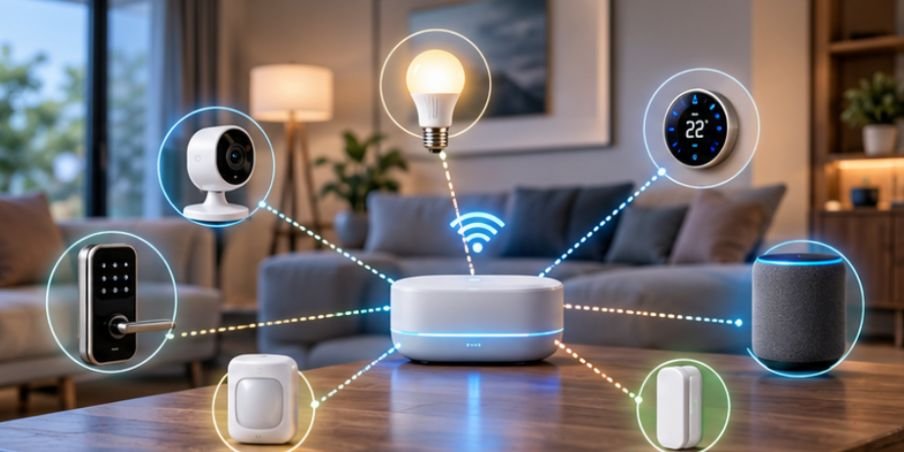
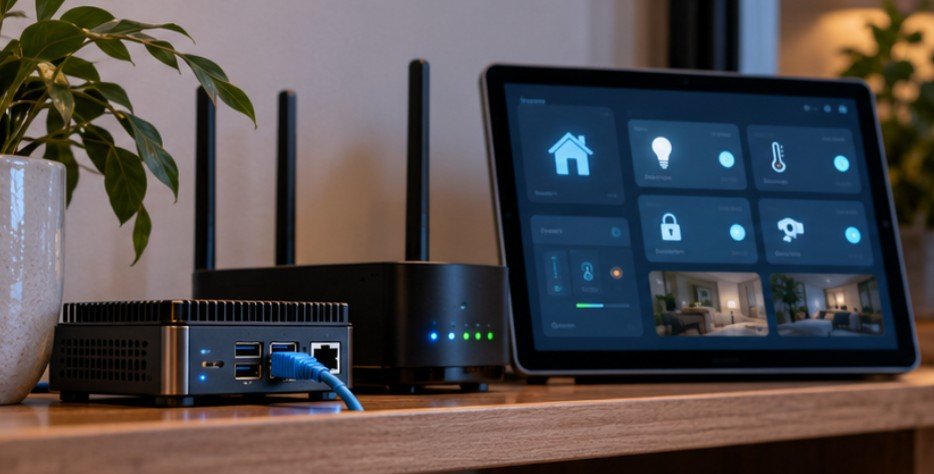
The hub becomes the brain of the system. It stores device states, evaluates rules, and sends commands without relying on an outside data center.
Home Assistant
Home Assistant is one of the strongest choices for a fully local system. It can run on Home Assistant Green, a Raspberry Pi, mini PC, NUC-style computer, or virtual machine.
For a straightforward US household installation, Ethernet is preferable to Wi-Fi for the hub because the connection remains stable even if wireless coverage changes.
Home Assistant’s own documentation states that its data can remain stored locally and that supported devices can communicate directly rather than routing traffic through manufacturer clouds.
Hubitat, openHAB, and Apple Home
Hubitat and openHAB also support substantial local automation. Apple Home can execute many home automations locally when an Apple TV or HomePod acts as the home hub, although individual accessories may still depend on manufacturer cloud services. That is why the protocol and device matter just as much as the hub.
When choosing devices for a locally controlled home, consider how their power requirements affect installation and long-term reliability. Many residential smart locks operate on batteries rather than household wiring, making them practical additions to an offline-friendly setup. Learn more about how to install a smart lock without a C-wire and the compatibility checks to complete before installation.
Before purchasing anything, ask one question: If the manufacturer’s servers disappeared tomorrow, would this device still perform its basic function? If the answer is unclear, it is probably not ideal for an offline build.
Choose Devices That Speak Locally
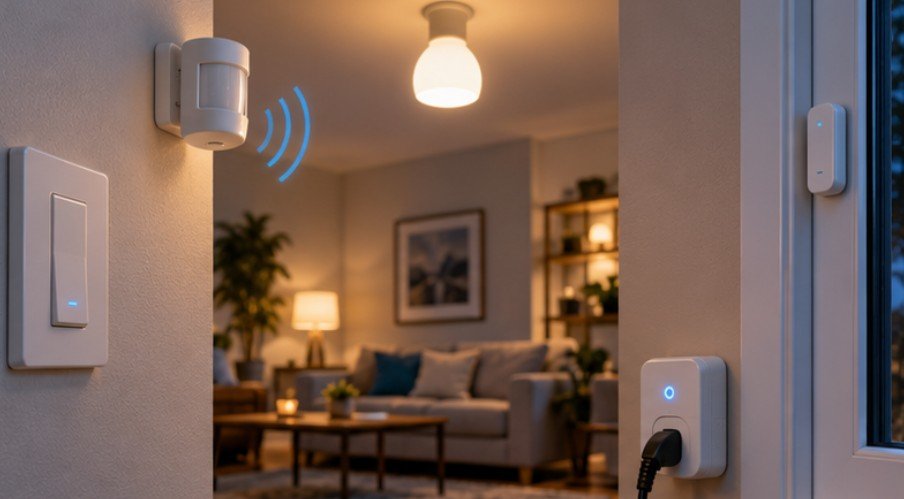
The next decision is the radio technology connecting your sensors, switches, locks, plugs, and bulbs.
Zigbee
Zigbee is a low-power mesh protocol commonly used for motion sensors, contact sensors, bulbs, outlets, and switches.
A Zigbee coordinator connected to the local hub manages the network. Many mains-powered Zigbee devices also relay messages for nearby devices, helping the network reach farther across the house.
Because the hub talks directly to the Zigbee network, normal automations do not require an internet connection.
Z-Wave
Z-Wave is another strong option, particularly for locks, switches, thermostats, leak sensors, and security-related devices.
The Z-Wave Alliance explains that US Z-Wave systems operate in the 908.42 MHz range and use mesh networking, allowing devices to relay communications through one another.
Its lower-frequency operation can also reduce competition with crowded 2.4 GHz Wi-Fi networks.
Matter and Thread
Matter improves interoperability between smart-home ecosystems, while Thread provides an IP-based, low-power mesh network for compatible devices.
Do not assume every product carrying a Matter logo is completely cloud independent, however. Some manufacturers still add cloud-dependent features on top of otherwise local functionality.
For Thread-based smart-home devices to communicate with your local network, a compatible border router can play an important role in connecting the Thread mesh to other IP-based devices. Understanding what a Thread border router is in a smart home can help you choose compatible hardware and build a more reliable local automation system.
Local Wi-Fi
Wi-Fi itself is not the problem. Cloud dependency is. A Wi-Fi smart plug that accepts commands directly over your LAN can work perfectly offline. A nearly identical plug requiring the manufacturer’s servers may become uncontrollable once your WAN connection fails.
Look for documented local APIs, LAN control, MQTT support, ESPHome compatibility, or another clearly stated local integration before buying.
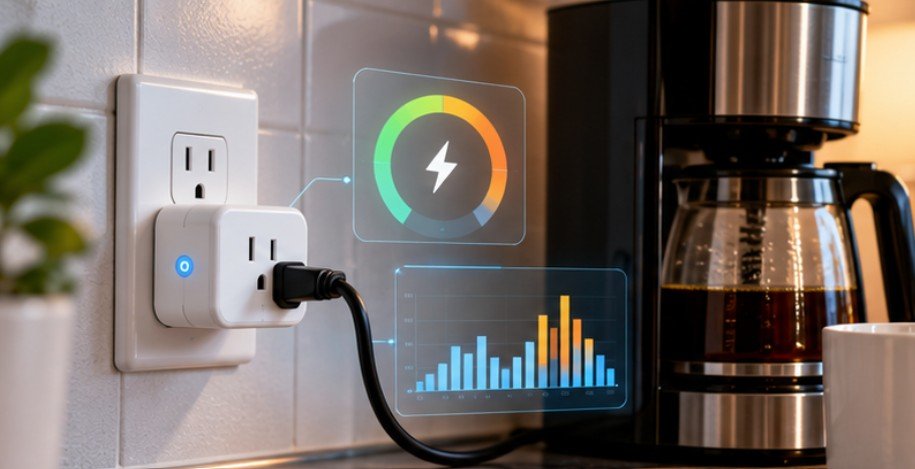
Energy monitoring can also be integrated into a locally controlled smart home when the chosen plug exposes compatible power and energy sensors over the local network. This smart plug energy monitoring in Home Assistant resource explains how to track electricity consumption, identify standby power waste, and build automations around actual device usage.
How to Setup Offline Smart Home Without Internet Step by Step
Begin with the controller rather than buying dozens of accessories at once.
Connect your chosen hub to your router through Ethernet and complete the local configuration. If using Home Assistant, you can ordinarily reach the dashboard from another device on the same LAN.
Next, install the required radio adapter. A Zigbee or Z-Wave USB controller allows the automation server to communicate directly with compatible devices.
Pair one device category at a time. Start with a plug or light, then add a motion sensor or contact sensor. Verify that the hub can control each device without opening the manufacturer’s app.
Then create a simple local automation. For example:
Motion detected in hallway → hallway light turns on → no motion for three minutes → light turns off.
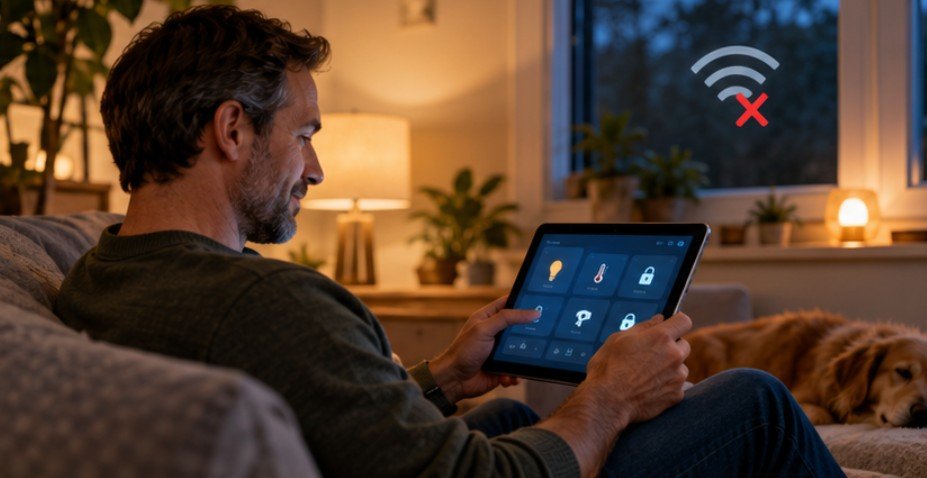
Once that works, unplug the router’s WAN cable while leaving the router powered on.
Test the automation again.
This simple outage test is more valuable than trusting packaging that says “local,” “smart,” or “Matter compatible.” If the automation still runs, you have proven that its critical path remains inside your home.
Block Unnecessary Internet Access
A genuinely local smart home should also be designed around network control.
The Federal Trade Commission recommends securing the router that connects household IoT devices, including changing default credentials, enabling encryption, and keeping router software updated.
NIST goes further in its work on IoT network security. Its Manufacturer Usage Description research demonstrates the security value of allowing IoT devices to communicate only with services necessary for their intended function.
A practical home version is to place smart-home equipment on a separate IoT VLAN or network where supported, then deny internet access to devices that do not require it. Researchers at Princeton have also shown why this matters. Smart-home network traffic can reveal information about household behavior, sometimes even when the underlying content is encrypted.
The University of Michigan similarly advises consumers to consider both the security and privacy risks created by connected household devices.
For another standards-based resource, the Z-Wave Alliance explains how local mesh networking works across smart-home devices.
What Stops Working When the Internet Goes Down?
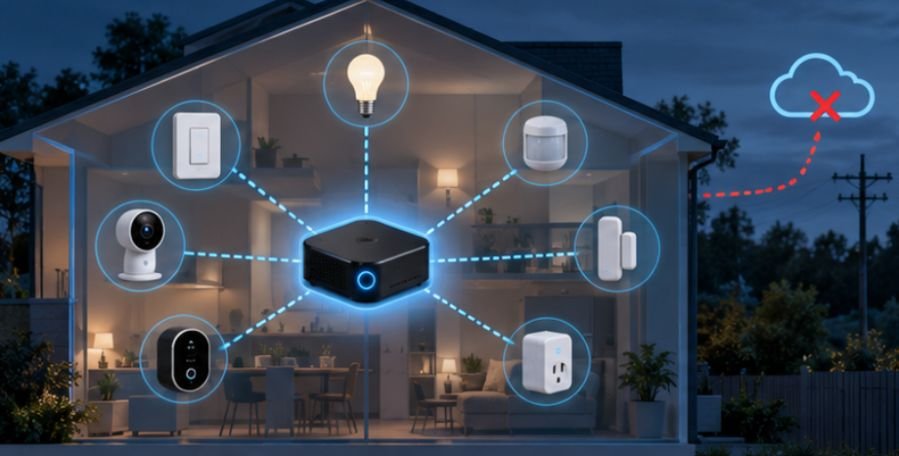
Offline automation does not mean every smart-home feature will survive. Standard Amazon Alexa and Google Assistant commands generally depend on cloud-based processing. Live weather feeds, internet radio, cloud video recording, manufacturer notifications, and remote access from outside your house also require connectivity.
Some cloud-dependent cameras may lose most of their useful features entirely. Remote control is still possible without exposing your automation server directly to the internet. A properly configured VPN can let you securely connect back to your home network while traveling, although the home itself obviously needs an active internet connection for that remote connection.
Local voice control is also becoming more practical. Home Assistant, for example, supports local voice-processing approaches that can operate offline, although more capable speech recognition generally requires stronger hardware.
Frequently Asked Questions
1. Can a smart home work completely without internet?
Yes. Local hubs combined with Zigbee, Z-Wave, Thread, Matter, or LAN-controlled devices can run core automations entirely inside the home.
2. Does Zigbee need Wi-Fi or internet?
No. Zigbee creates its own wireless network. A coordinator connects Zigbee devices to your automation hub, while internet access is unnecessary for normal local communication.
3. Will smart lights still work during an internet outage?
They can if commands and automations are processed locally. Cloud-only bulbs may lose app control until the manufacturer’s servers become reachable again.
4. Can Alexa work in a completely offline smart home?
Most Alexa functions rely on Amazon’s cloud infrastructure. For truly offline voice control, use a system specifically designed to process supported voice commands locally.
Build for Failure, Not Just Convenience
Learning how to setup offline smart home without internet changes the way you evaluate smart devices. The most important feature is no longer whether a product has a polished app; it is whether your house can continue making decisions without that app’s servers.
Start small. Install a local controller, choose one reliable local protocol, automate a few lights or sensors, and physically disconnect the internet to see what survives.
A smart home should become less fragile as you add technology. If a temporary ISP outage can make your light switches, sensors, and routines useless, the system is connected—but it is not truly independent.