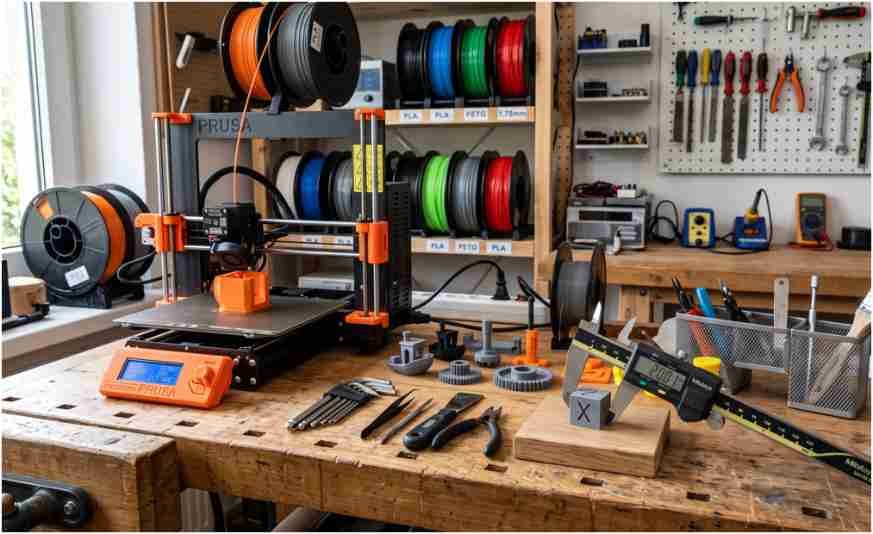
A digital caliper can expose printer problems that your eyes cannot detect. I use measurements to check calibration cubes, hole sizes, wall thickness, filament diameter, and clearances before wasting material on another print.
The best digital calipers for 3D printing under $50 should do more than display two decimal places. They need stable readings, smooth jaws, reliable zeroing, and a rigid stainless-steel frame. For most hobby printers, the iGaging Absolute Origin offers the strongest overall package.
What Makes a Digital Caliper Suitable for 3D Printing?
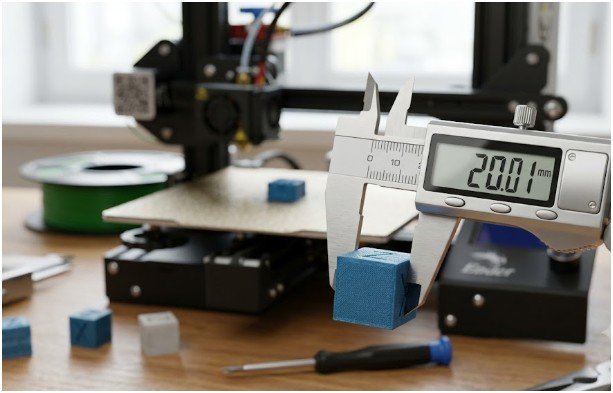
A standard six-inch caliper covers nearly every desktop printing task. It can measure external dimensions, internal openings, depths, and step heights.
Most capable models provide 0.01 mm resolution. That level is useful for checking printed dimensions, but resolution alone does not prove accuracy.
Resolution Is Not the Same as Accuracy
Resolution describes the smallest change shown on the screen. Accuracy describes how close that reading is to the true dimension.
A caliper may display 20.00 mm while being accurate only within ±0.02 mm or ±0.03 mm. Neiko lists 0.01 mm resolution and 0.02 mm accuracy for the 01407A. Clockwise Tools lists 0.01 mm resolution with approximately 0.03 mm accuracy for the DCLR-0605.
Those specifications are still adequate for most FDM printer adjustments. Typical hobby prints rarely require machining-grade inspection equipment.
Repeatability Matters More Than Extra Digits
I value a caliper that gives the same answer five times more than one with impressive marketing claims.
If a 20 mm test cube reads 20.08, 20.01, 20.09, 20.03, and 20.07 mm, the tool or measuring technique is inconsistent. A dependable caliper should produce a tight group of readings when jaw pressure and position remain consistent.
Best Digital Calipers for 3D Printing Under $50
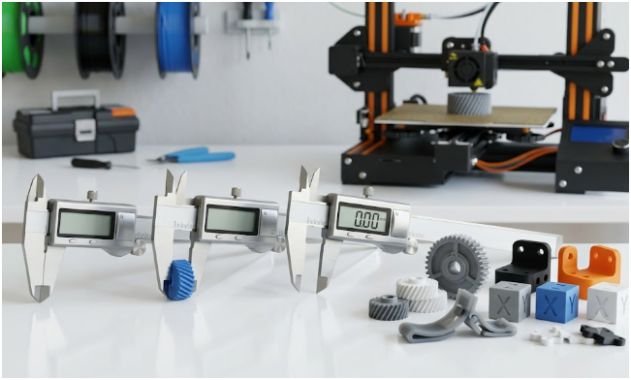
Pricing changes across US retailers, so confirm the current price before ordering. These models are commonly positioned within or near the sub-$50 range.
1. iGaging Absolute Origin 6-Inch Digital Caliper — Best Overall
The iGaging Absolute Origin is my first choice among the best digital calipers for 3D printing under $50 because it solves one of the biggest frustrations with cheaper tools: losing the original zero position.
Its absolute measuring system remembers the origin instead of requiring constant manual resetting. That feature saves time when I move between filament checks, calibration cubes, and finished assemblies.
The six-inch model offers 0.01 mm resolution, a stainless-steel frame, IP54 resistance, and approximately ±0.02 mm accuracy. IP54 protection helps defend the electronics against dust and occasional splashes, although it does not make the tool waterproof.
The smooth action and zero memory make this model particularly suitable for frequent printer calibration.
Best for: Regular makers, functional-part designers, and users who dislike repeated zeroing.
2. Neiko 01407A — Best Budget Choice
The Neiko 01407A provides the core functions most beginners need without adding expensive features.
It measures from zero to six inches, switches between inches, millimeters, and fractions, and supports external, internal, depth, and step measurements. The manufacturer lists 0.01 mm resolution and ±0.02 mm accuracy.
I especially like the large display. It reduces reading errors when working near a printer or under uneven workshop lighting.
The main compromise is standard incremental zeroing. You may need to close the jaws and reset the display before beginning an important measurement session.
Best for: Beginners who need a stainless-steel caliper at a modest price.
3. Clockwise Tools DCLR-0605 — Best for Repeatability and Data Logging
The Clockwise Tools DCLR-0605 stands out because of its repeatability specification and data-output capability.
It provides a six-inch range, 0.01 mm resolution, IP54 protection, stainless-steel construction, and an extra-large LCD. The manufacturer lists repeatability of 0.01 mm and accuracy of approximately ±0.03 mm.
Its RS232 output port can support measurement logging with a compatible cable. That feature may appeal to anyone recording calibration results in a spreadsheet.
For example, you could measure ten calibration cubes after changing flow settings. Logged measurements would make it easier to identify which setting produced the smallest average error.
Best for: Data-driven users who compare repeated test prints.
4. iGaging EZCal — Best Simple Alternative
The iGaging EZCal is worth considering when the Absolute Origin model exceeds your budget.
It gives you a stainless-steel construction and straightforward digital operation without the more advanced origin-memory system. Its greatest advantage is mechanical feel. Smooth jaw movement helps users apply more consistent pressure.
I would choose it over an unknown bargain model because repeatable mechanics matter more than extra screen modes. Independent comparisons have also identified the EZCal as a stronger-built alternative within the lower-cost category.
Best for: Users who want solid construction without paying for advanced features.
5. VINCA DCLA-0605 — Best Entry-Level Workshop Caliper
The VINCA DCLA-0605 is another common entry-level stainless-steel option. It typically offers a six-inch range, inch-to-millimeter conversion, zeroing at any position, and a readable LCD.
I would place it below the iGaging and Neiko models because quality control can be less predictable across inexpensive calipers. However, a well-functioning unit can handle calibration cubes, brackets, enclosures, and basic filament checks.
Test it immediately after purchase. Close the jaws several times, reset zero, and measure a known reference object. Return it if the zero drifts or the slider feels loose.
Best for: Occasional measurements and light hobby use.
How I Would Test a Caliper Before Trusting It
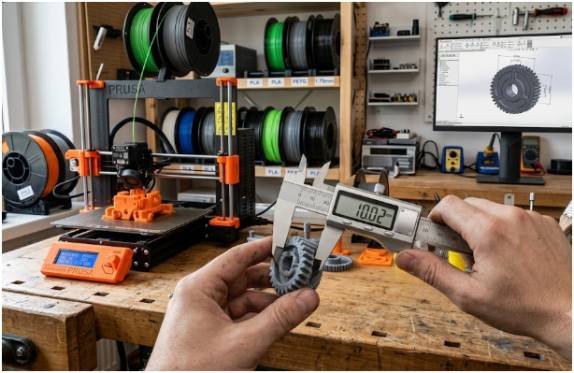
My simplest test uses a clean 20 mm calibration cube.
First, I close the jaws gently and confirm that the screen reads zero. I then measure the cube five times along the same axis. I remove and reposition the caliper after every reading.
Suppose the results are 20.06, 20.07, 20.06, 20.08, and 20.07 mm. The spread is only 0.02 mm, which indicates good short-term repeatability.
Next, I rotate the cube and measure its other axes. Differences between the X, Y, and Z dimensions may reveal belt, flow, motion, or first-layer problems.
This repeatability check adds more value than trusting the advertised resolution printed on the box.
Which Measurements Matter for 3D Printing?
The best digital calipers for 3D printing under $50 should support four measurement types.
External jaws measure calibration cubes, shafts, wall thicknesses, and filament. Internal jaws measure holes, sockets, and bearing seats. The depth rod checks recesses and cavities. Step measurement helps inspect ledges and fitted surfaces.
For filament, take readings at several points and rotate the strand between measurements. Plastic compresses under jaw pressure, so squeeze gently. A micrometer may provide better control when highly accurate filament measurement is required.
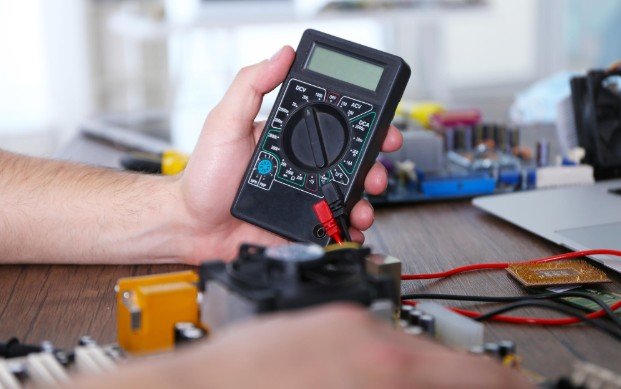
Calipers are also useful for measuring electronics, brackets, and project enclosures. Makers building mixed electronic projects may also need the best multimeter for Arduino projects to test voltage, resistance, continuity, and power connections.
Why I Avoid Plastic Digital Calipers
Plastic and carbon-composite calipers can work for rough measurements, but I do not rely on them for printer calibration.
Their jaws may flex when hand pressure changes. That flexibility can create errors large enough to mislead a tolerance test. A reading that shifts by 0.10 mm may cause you to change slicer compensation when the printer was not the real problem.
Stainless-steel calipers remain more rigid and usually slide more consistently. They also handle repeated workshop use better.
The exception is measuring soft or delicate surfaces. Plastic jaws are less likely to scratch finished parts, but careful handling with steel jaws solves most concerns.
Buying Features Worth Paying For
When comparing the best digital calipers for 3D printing under $50, I prioritize repeatability, jaw alignment, build quality, and zero stability.
IP54 resistance is useful in dusty maker spaces. Absolute origin memory improves convenience. A large display helps readability. Automatic shutoff extends battery life.
Fraction mode adds little value for printer calibration because slicers and CAD programs usually work in millimeters. Data output is helpful only when you plan to maintain structured calibration records.
Do not pay extra simply because a screen shows more digits. Focus on the tool’s stated accuracy and its ability to reproduce the same measurement.
Measure Twice, Reprint Never
The iGaging Absolute Origin is my top recommendation because its zero memory, IP54 protection, and stainless-steel construction suit regular maker use.
The Neiko 01407A offers better value for beginners. The Clockwise Tools DCLR-0605 makes more sense for users who want repeatable measurements and possible data logging.
Whichever model you choose, test it before adjusting your printer. A bad measurement can send you into hours of unnecessary calibration. Measure the same object several times, use gentle jaw pressure, and change only one printer setting at a time.
That approach turns an inexpensive tool into one of the most useful accessories on your workbench.
Frequently Asked Questions
1. What is the best affordable digital caliper for 3D printing?
The iGaging Absolute Origin is the best overall choice, while the Neiko 01407A offers strong value for beginners.
2. Is 0.01 mm resolution enough for 3D printing?
Yes. A 0.01 mm display resolution is sufficient for most FDM calibration, tolerance testing, and part-fitting tasks.
3. Can I measure 3D printer filament with digital calipers?
Yes, but use light pressure and measure several positions because soft filament can compress between the jaws.
4. Are cheap digital calipers accurate enough for calibration cubes?
A good stainless-steel budget model can be accurate enough, provided it gives repeatable readings and maintains zero.